 dominikmartn


From the README
How to use nothing-design-skill
Nothing Design Skill
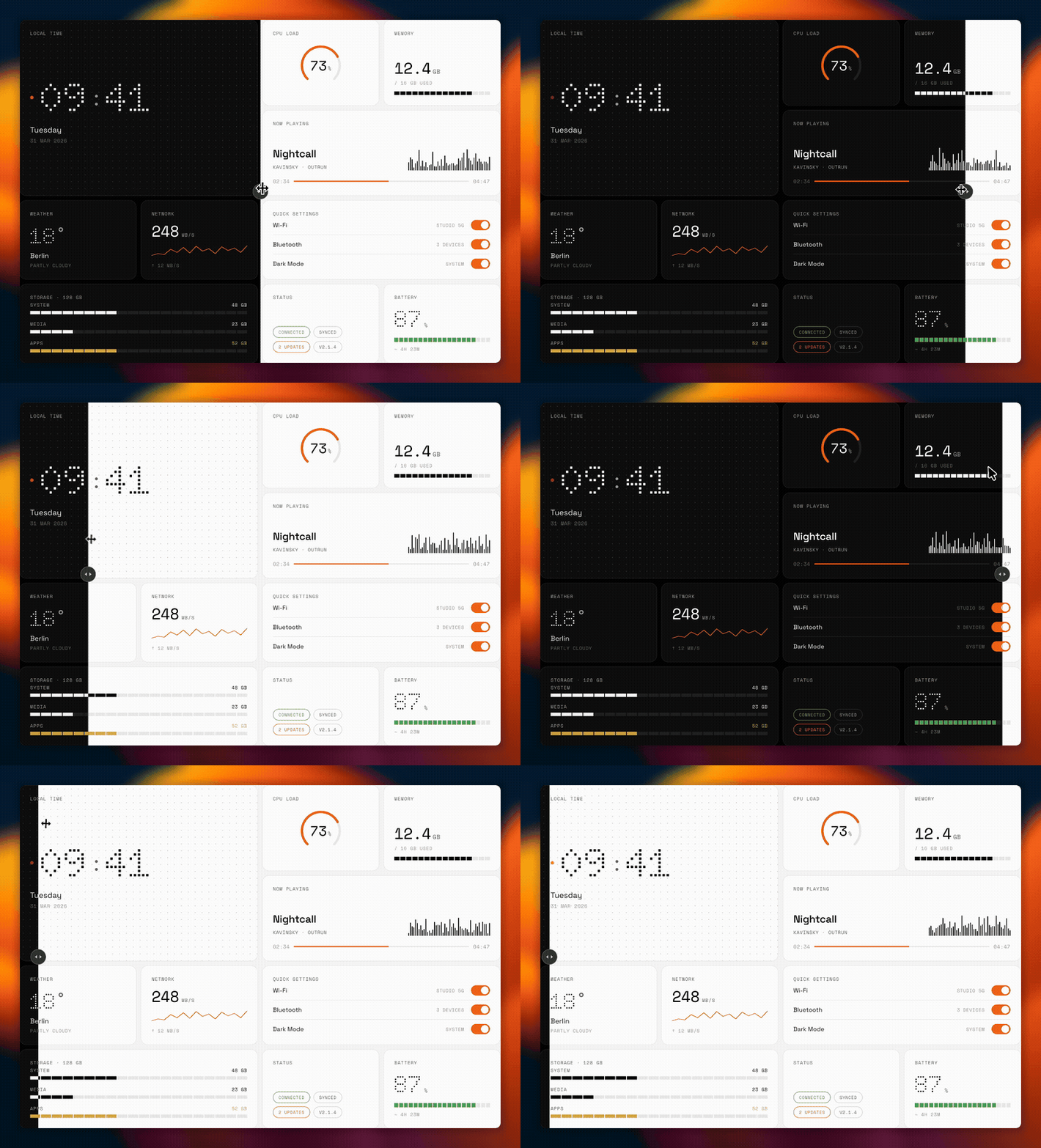
A design system skill for Claude Code inspired by Nothing's visual language. Monochrome, typographic, industrial.
I kept describing the same design rules to Claude over and over — Swiss typography, OLED blacks, segmented progress bars, dot-matrix motifs. So I packaged it into a reusable skill.
What you get
Tell Claude /nothing-design or say "Nothing style" and it generates UI following these principles:
- Three-layer visual hierarchy (display, body, metadata — that's it)
- Space Grotesk + Space Mono + Doto font stack
- Full dark and light mode token system
- Segmented progress bars, mechanical toggles, instrument-style widgets
- Output as HTML/CSS, SwiftUI, or React/Tailwind
Install
Copy the nothing-design folder into your Claude Code skills directory:
git clone https://github.com/dominikmartn/nothing-design-skill.git
cp -r nothing-design-skill/nothing-design ~/.claude/skills/
That's it. Next time you start Claude Code, the skill is available.
What's inside
| File | |
|---|---|
SKILL.md |
Design philosophy, craft rules, workflow |
references/tokens.md |
Colors, fonts, spacing, motion tokens |
references/components.md |
Buttons, cards, lists, tables, overlays |
references/platform-mapping.md |
CSS, SwiftUI, React output mappings |
License
MIT
Made by @dominikmartn · dominikmart.in. Other projects:
Questions
What is dominikmartn/nothing-design-skill?
A Claude Code skill for generating UI in the Nothing design language. Monochrome, typographic, industrial.
How do I install nothing-design-skill?
Run "npx skills add dominikmartn/nothing-design-skill" and choose the skills you want. Many packs also document their own install path (for example a Claude Code plugin marketplace) in the README below.
How many skills are in nothing-design-skill?
1 SKILL.md skills. Alyn lists 1 of them with their own pages.