 qufei1993
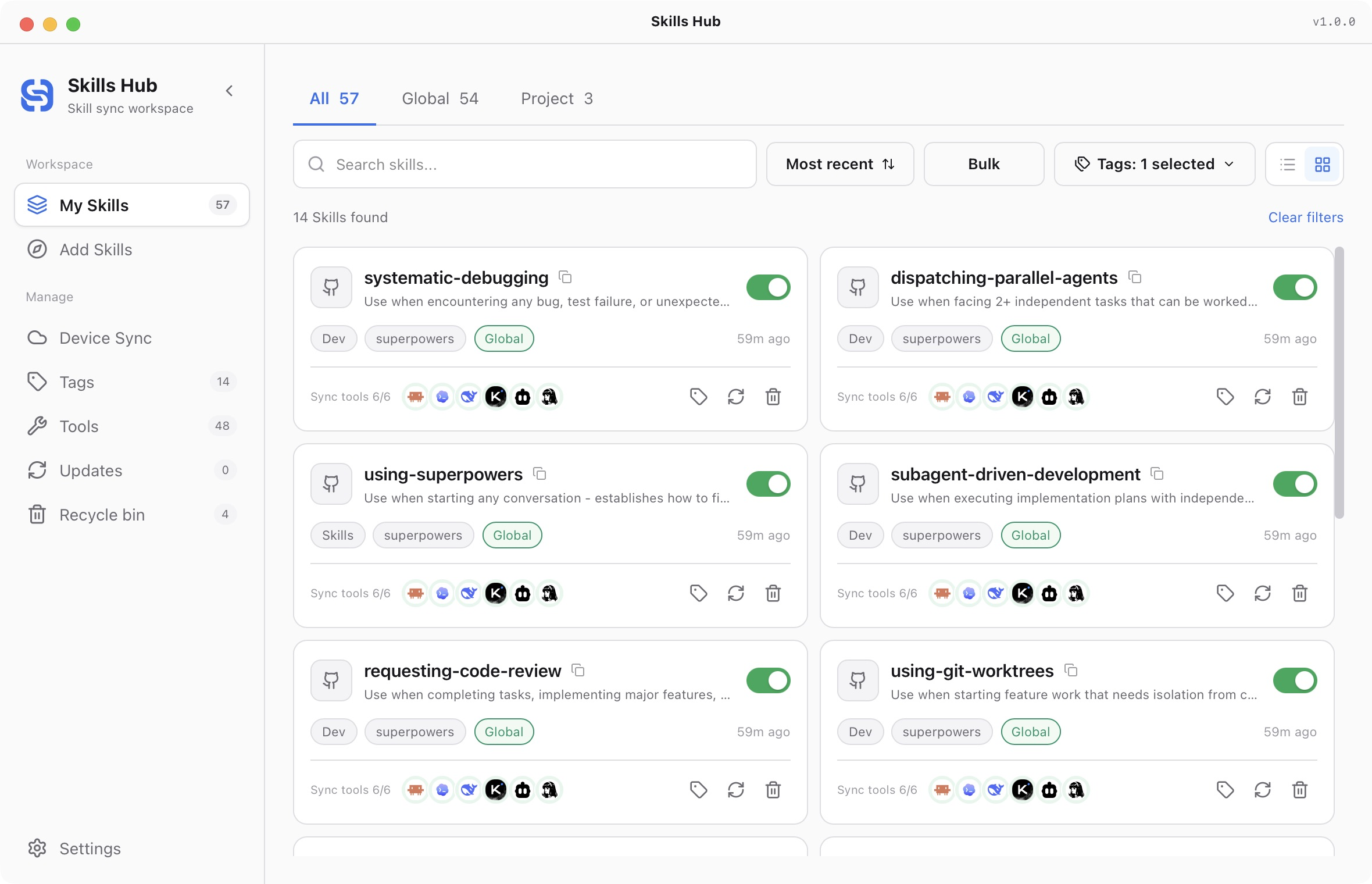
Install Dsh Engineering
Pick your agent. Every command is ready to paste.
npx skills add qufei1993/skills-hub --skill dsh-engineeringThe open skills CLI detects your agents (Claude Code, Cursor, Codex and 70+ more) and installs to the right folder. Add -g to install globally.
01
Install it
Run the command above, or upload the folder in Claude.
02
Ask naturally
Describe the task. Your agent loads dsh-engineering when the request matches its description.
03
Name it if needed
If it does not trigger, say “use the dsh-engineering skill”. In Codex, type $dsh-engineering.
应用和维护 DSH 工程规范
先读项目上下文和验证证据。按用户任务选择下面的流程。普通开发使用“用于日常开发”;接入或迁移项目规范需要对应的任务要求。
用于日常开发
- 阅读受影响的代码、实际调用方和项目必需检查。先明确要实现的行为,再选择抽象或调整约定。
- 涉及实现或设计选择时,读编码规范;涉及行为变化时,读测试选择。按当前任务检查默认值、输入校验、依赖方向、扩展点和测试覆盖,不顺带清理无关代码。
- 用户要求实现时完成实现;要求设计或审查时给出具体方案或结论。验证相应真实入口和必需检查,区分已执行与建议执行的检查。已安装且与任务有关时,使用专门的审查、错误处理、UI 或性能 Skill;本 Skill 自带所需的基础规则。
- 必要时更新现有行为文档。不要仅因开发一个功能或修复一个问题,就创建接入记录、新的 Agent 指令或工程手册。完成时说明行为变化、实际证据和重要限制。
修改规范前先诊断
- 明确请求属于诊断、接入、更新还是撤销。诊断保持只读。
- 检查适用指令、目录、清单、真实检查命令、CI 和现有文档的维护位置,识别已有优势和具体缺口。
- 新项目只记录已知事实和用户选定的技术栈,不虚构测试命令。已有项目复用原有文档,保留更严格的政策。优先解决当前问题,不套用通用目录模板。
- 简短列出“缺口 → 涉及的现有文档 → 具体补充”。用户已经要求实现或接入时,在该范围内继续执行。
接入项目
- 选择尽量少的文档,通常是现有 Agent 指令入口和开发指南。阅读文档写作;只有确需新建负责维护这些内容的文档时,才使用项目指南模板。不要留下占位内容。
- 找到当前安装的 Skill 目录。编辑前运行自带的接入工具:
python3 <skill-dir>/scripts/adoption.py snapshot --project <root> --paths AGENTS.md <other-docs> --output <new-temporary-snapshot.json>。 只指定明确的 UTF-8 文档,不采集凭据、无关文档或整个目录。临时快照保持私有,放在版本管理范围之外。 - 只修改任务涉及的文档,补足项目导航、职责归属、真实开发和检查命令、证据标准与文档维护规则。保留本地约定,不放宽检查或安装新依赖。阅读编码规范和测试选择,根据项目实际风险选取规则。补充通往已安装 Skill 或现有规范的简短日常入口,不整份复制参考库。
- 对照清单和 CI 核实命令,对照真实路径检查链接。项目要求时执行必需检查。新增可执行规则时,必须用真实错误样例证明检查会拒绝违规情况。
- 从 UPSTREAM.json 读取版本和固定上游提交 SHA,再运行:
python3 <skill-dir>/scripts/adoption.py record --project <root> --snapshot <snapshot.json> --version <version> --upstream <sha>。 检查生成的.dsh-engineering/adoption.json和差异。记录包含修改前后的完整文档,提交或发布前检查有无私有信息。 - 重复接入应复用已有规则,不增加重复段落;内容未变时,基线文件字节保持不变。说明修改的文件、实际检查和后续使用方式。
更新或撤销项目规范
更新已安装 Skill 包不会自动迁移项目。用户明确要求更新项目规范时,先运行 compare --project <root>。重新阅读项目现状,不假定旧方案仍然合适。
- 根据新 Skill 和项目事实生成建议。可选的建议 JSON 格式为
{"files":{"AGENTS.md":"完整的 UTF-8 建议内容"}};null表示文件不存在。运行compare --project <root> --proposal <proposal.json>,比较基线、当前内容和建议。 - 检查真实差异,只合并能够确定属于本次规范的内容,保留无关内容和本地修改。重叠修改需要具体段落的解决方案,不能整文件覆盖。意图不清楚时保留该段,针对该段询问,同时继续不受影响的工作。
- 撤销时,以记录中的
original为首次接入前的参照。当前内容与baseline不同时,只移除能够明确识别的接入规则。只有不会丢失本地或无关内容时,才删除当初创建的文档。 - 基线缺失或无效意味着归属不明:报告差异,提出人工接入或合并方案。不得凭记忆或哈希重建原文。
- 迁移前做快照,完成后验证并记录结果。工具保留首次原文和最新基线。完全撤销并验证后,只有没有残留接入规则或未解决修改时,才移除接入记录。
完成时区分已经接入的内容与建议,说明保留的政策和未验证的限制。
Tips for Dsh Engineering
- • Start a fresh session after installing so your agent picks up the new skill.
- • This skill ships scripts. Read them before the first run, and run it in a project without secrets first.
- • It bundles reference files. The agent reads them only when needed, so they cost no context until then.
- • It is part of a pack with 12 skills. Install only the ones you need with --skill to keep triggers precise.
- • If two skills overlap, mention the one you want by name.
Questions about Dsh Engineering
What does the Dsh Engineering skill do?
用于功能开发、问题修复和实现设计,按项目现有约定处理默认值、输入校验、依赖和测试选择;也用于诊断、接入、更新或撤销项目 AI 工程规范,保留原有政策和本地修改。用户提出“按 DSH 规范开发”或“接入 AI 工程规范”时使用。
How do I install Dsh Engineering?
Run "npx skills add qufei1993/skills-hub --skill dsh-engineering" in your project. The skills CLI installs it for Claude Code, Cursor, Codex and 70+ other agents. In Claude on the web, upload the skill folder as a ZIP under Customize > Skills.
Does Dsh Engineering work in Cursor and Codex?
Yes. Dsh Engineering uses the open SKILL.md format, so it works in Claude Code, Claude, Cursor, OpenAI Codex, Gemini CLI, GitHub Copilot and other agents that support agent skills.
Is Dsh Engineering free?
Dsh Engineering is open source on GitHub under the MIT license. It is free to install; check the license before commercial use.
Who made Dsh Engineering?
Dsh Engineering is published by qufei1993 in the qufei1993/skills-hub repository, together with 11 other skills.











