 staskh
Install Markdown To PDF
Pick your agent. Every command is ready to paste.
npx skills add staskh/trading_skills --skill markdown-to-pdfThe open skills CLI detects your agents (Claude Code, Cursor, Codex and 70+ more) and installs to the right folder. Add -g to install globally.
01
Install it
Run the command above, or upload the folder in Claude.
02
Ask naturally
Describe the task. Your agent loads markdown-to-pdf when the request matches its description.
03
Name it if needed
If it does not trigger, say “use the markdown-to-pdf skill”. In Codex, type $markdown-to-pdf.
Markdown to PDF Converter
Converts a markdown file to a professionally formatted PDF. Pure Python — no system tools required.
Dependencies
Requires two Python packages (already in pyproject.toml):
mistune>=3.2
reportlab>=4.0
Install with: uv sync (or pip install mistune reportlab)
Instructions
uv run python .claude/skills/markdown-to-pdf/scripts/markdown_to_pdf.py <input.md> [output.pdf]
input.md— path to the markdown file (required)output.pdf— output path (optional; defaults to same directory and basename as input)
Output
The script returns JSON with:
success—trueorfalseinput— resolved absolute path of the input fileoutput— resolved absolute path of the generated PDFerror— error message ifsuccessisfalsegenerated_at— NY timezone timestampdata_delay— always"real-time"
After conversion, tell the user the output PDF path.
Examples
# Convert sandbox/report.md → sandbox/report.pdf (default output)
uv run python .claude/skills/markdown-to-pdf/scripts/markdown_to_pdf.py sandbox/report.md

# Explicit output path
uv run python .claude/skills/markdown-to-pdf/scripts/markdown_to_pdf.py sandbox/report.md sandbox/AAPL_Report_2026-05-20_1430.pdf
Supported Markdown
- Headings (H1–H3)
- Paragraphs, bold, italic
- Tables (pipe syntax)
- Fenced code blocks
- Unordered and ordered lists
- Images:
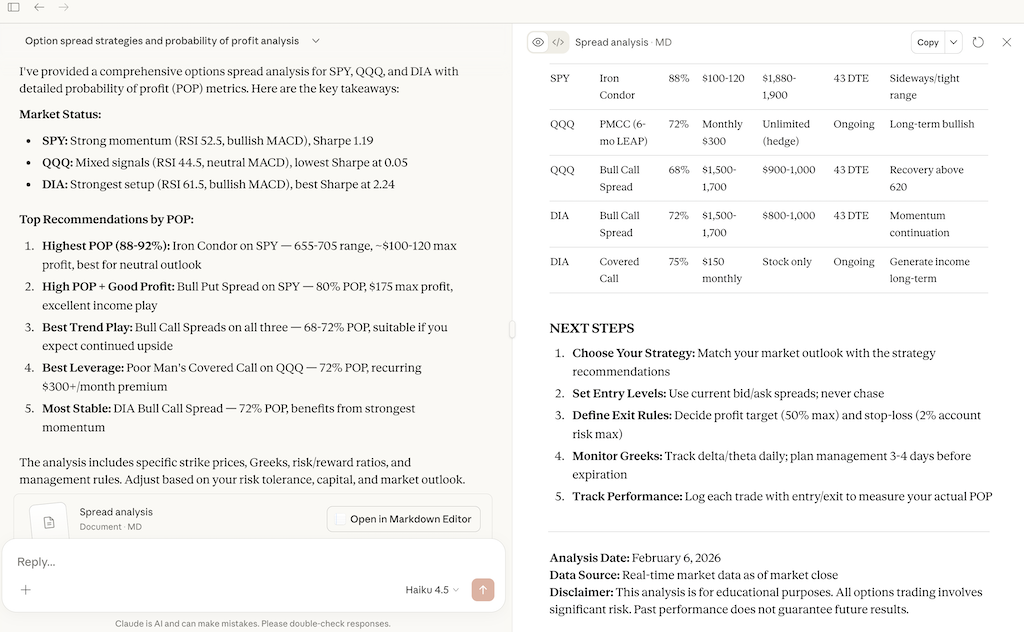
with a local JPG or PNG, relative to the markdown file or absolute. Each is scaled down to fit the page width and three quarters of its height, keeping its aspect ratio. A missing file or a remote URL shows[image: alt]instead.
Tips for Markdown To PDF
- • Start a fresh session after installing so your agent picks up the new skill.
- • This skill ships scripts. Read them before the first run, and run it in a project without secrets first.
- • It is part of a pack with 30 skills. Install only the ones you need with --skill to keep triggers precise.
- • If two skills overlap, mention the one you want by name.
Questions about Markdown To PDF
What does the Markdown To PDF skill do?
Convert a markdown file to PDF using mistune + reportlab. Use when the user wants to convert a .md file to PDF, or when another skill needs to produce a PDF from markdown output.
How do I install Markdown To PDF?
Run "npx skills add staskh/trading_skills --skill markdown-to-pdf" in your project. The skills CLI installs it for Claude Code, Cursor, Codex and 70+ other agents. In Claude on the web, upload the skill folder as a ZIP under Customize > Skills.
Does Markdown To PDF work in Cursor and Codex?
Yes. Markdown To PDF uses the open SKILL.md format, so it works in Claude Code, Claude, Cursor, OpenAI Codex, Gemini CLI, GitHub Copilot and other agents that support agent skills.
Is Markdown To PDF free?
Markdown To PDF is open source on GitHub under the MIT license. It is free to install; check the license before commercial use.
Who made Markdown To PDF?
Markdown To PDF is published by staskh in the staskh/trading_skills repository, together with 29 other skills.






