 managedcode
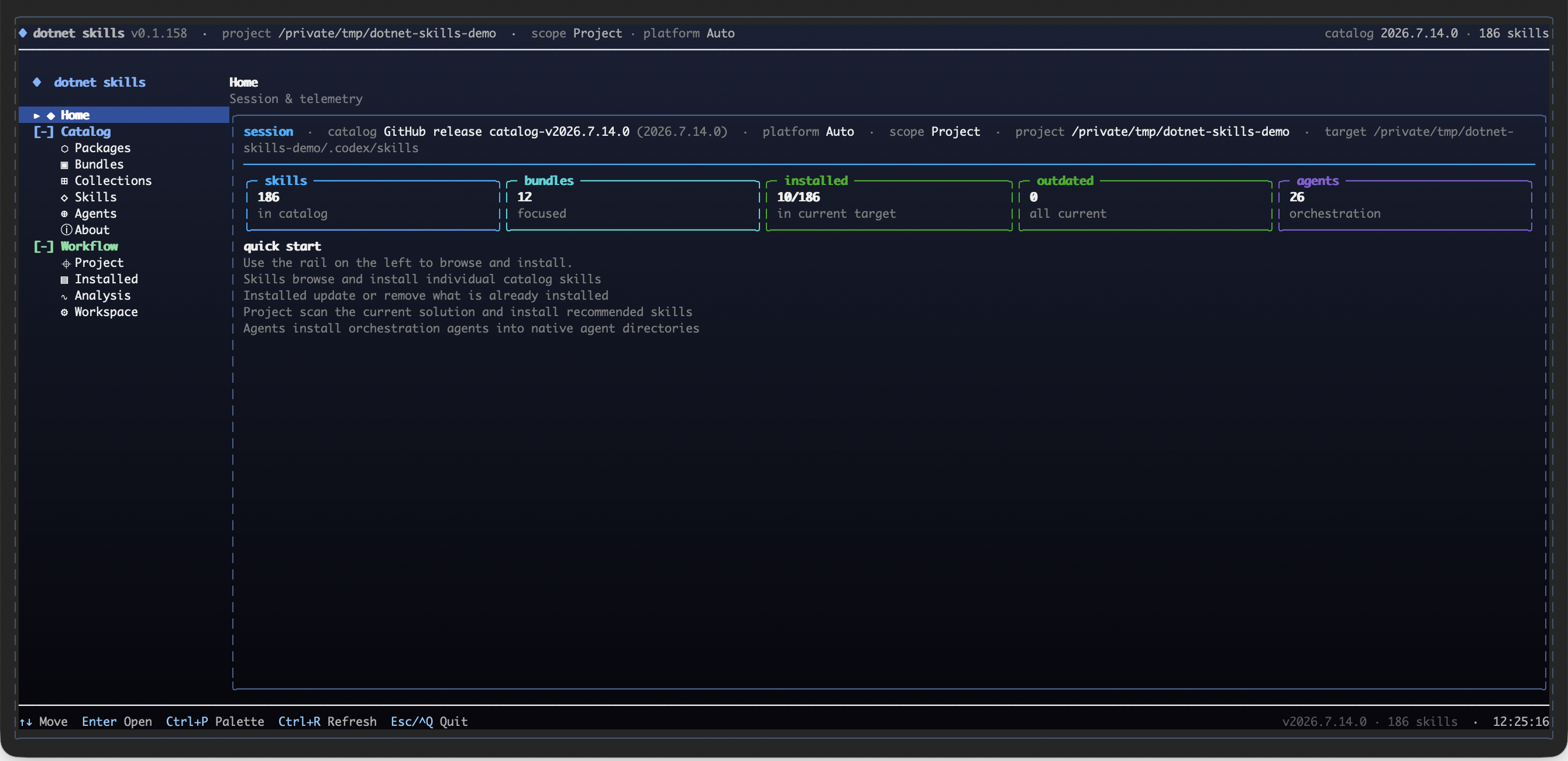
Install Maui Data Binding
Pick your agent. Every command is ready to paste.
npx skills add managedcode/dotnet-skills --skill maui-data-bindingThe open skills CLI detects your agents (Claude Code, Cursor, Codex and 70+ more) and installs to the right folder. Add -g to install globally.
01
Install it
Run the command above, or upload the folder in Claude.
02
Ask naturally
Describe the task. Your agent loads maui-data-binding when the request matches its description.
03
Name it if needed
If it does not trigger, say “use the maui-data-binding skill”. In Codex, type $maui-data-binding.
.NET MAUI Data Binding
Wire UI controls to ViewModel properties with compile-time safety, correct change notification, and minimal overhead. Prefer compiled bindings everywhere and treat binding warnings as build errors.
When to Use
- Adding
x:DataTypecompiled bindings to a new or existing page - Implementing
INotifyPropertyChangedor CommunityToolkitObservableObject - Creating or consuming
IValueConverter/IMultiValueConverter - Choosing the correct
BindingModefor a control property - Setting
BindingContextin XAML or code-behind - Using relative bindings (
Self,AncestorType,TemplatedParent) - Applying
StringFormat,FallbackValue, orTargetNullValue - Writing AOT-safe code bindings with
SetBindingand lambdas (.NET 9+)
When Not to Use
- CollectionView layouts / templates — use the
maui-collectionviewskill - Shell navigation parameters — use the
maui-shell-navigationskill - Service registration / DI — use the
maui-dependency-injectionskill - Property-change-triggered animations — use built-in .NET MAUI animation APIs
Inputs
- A .NET MAUI project targeting .NET 8 or later
- XAML pages or C# code-behind where bindings are declared
- A ViewModel class (or plan to create one)
Rules That Change the Answer
Apply these to every binding answer — they are the differences between "it compiles" and "it actually updates the UI".
| Situation | Do this | Not this |
|---|---|---|
Deciding where x:DataType goes |
Put it wherever a binding scope starts — the page/view root, and each DataTemplate |
Scattering it on arbitrary children that share the parent's BindingContext |
| A binding falls back to reflection (XC0022 / XC0023) | Add the right x:DataType for that binding scope; for XC0023 remove the explicit x:DataType="{x:Null}" |
x:DataType="x:Object" to silence it — this disables compile-time checking |
A DataTemplate inherits x:DataType from an outer scope (XC0024) |
Give the DataTemplate its own x:DataType |
Leaving it to resolve against the wrong type |
| ViewModel change notification | ObservableObject + [ObservableProperty], or implement INotifyPropertyChanged |
A plain POCO base class — bindings will never update |
| Bindings show blank | Check BindingContext is actually set |
Assuming the binding path is wrong |
| Enforcing compiled bindings | Set MauiEnableXamlCBindingWithSourceCompilation to true, then <WarningsAsErrors>XC0022;XC0025</WarningsAsErrors> |
Promoting XC0025 without the switch if the project uses Source= / RelativeSource bindings |
Do not restructure a ViewModel or add a converter that the user did not ask for
and that fixes no real defect. Adding x:DataType is different: when you are
already editing a page's bindings, recommending compiled bindings is in scope.
Compiled Bindings — x:DataType Placement
Compiled bindings are 8–20× faster than reflection-based bindings and are
required for NativeAOT / trimming. Enable them with x:DataType.
Placement rules
Set x:DataType only where BindingContext is set:
- Page / View root — where you assign
BindingContext. - DataTemplate — which creates a new binding scope.
Do not scatter x:DataType on arbitrary child elements. Adding
x:DataType="x:Object" on children to escape compiled bindings is an
anti-pattern — it disables compile-time checking and reintroduces reflection.
<!-- ✅ Correct: x:DataType at the page root -->
<ContentPage xmlns:vm="clr-namespace:MyApp.ViewModels"
             x:DataType="vm:MainViewModel">
    <StackLayout>
        <Label Text="{Binding Title}" />
        <Slider Value="{Binding Progress}" />
    </StackLayout>
</ContentPage>

<!-- ❌ Wrong: x:DataType scattered on children -->
<ContentPage x:DataType="vm:MainViewModel">
    <StackLayout>
        <Label Text="{Binding Title}" />
        <Slider x:DataType="x:Object" Value="{Binding Progress}" />
    </StackLayout>
</ContentPage>
DataTemplate always needs its own x:DataType
<CollectionView ItemsSource="{Binding People}">
    <CollectionView.ItemTemplate>
        <DataTemplate x:DataType="model:Person">
            <Label Text="{Binding FullName}" />
        </DataTemplate>
    </CollectionView.ItemTemplate>
</CollectionView>
Enforce binding warnings as errors
| Warning | Meaning |
|---|---|
| XC0022 | Binding used without x:DataType in scope — not compiled, falls back to reflection |
| XC0023 | Binding not compiled because x:DataType is explicitly null |
| XC0024 | x:DataType came from an outer scope — annotate the DataTemplate with its own x:DataType |
| XC0025 | Binding not compiled because it has an explicit Source — enable <MauiEnableXamlCBindingWithSourceCompilation> |
These four codes are verified against .NET 10 / .NET 11 MAUI (
Build.Tasks/BuildException.cs,ErrorMessages.resx). Diagnostic numbering is SDK-band-sensitive — re-check againstBuildException.csbefore relying on it on a newer SDK.
Add to the .csproj:
<!-- Compile bindings that use Source= as well; otherwise XC0025 fires on every
     Source= / RelativeSource binding. As of .NET 10/11 this is on by default
     only for AOT / full-trim builds. -->
<MauiEnableXamlCBindingWithSourceCompilation>true</MauiEnableXamlCBindingWithSourceCompilation>
<WarningsAsErrors>XC0022;XC0025</WarningsAsErrors>
If you promote XC0025 without enabling that switch, make sure the project has no
Source= / RelativeSource bindings — otherwise they will be reported.
Binding Modes
Set Mode explicitly only when overriding the default. Most properties
already have the correct default:
| Mode | Direction | Use case |
|---|---|---|
OneWay |
Source → Target | Display-only (default for most properties) |
TwoWay |
Source ↔ Target | Editable controls (Entry.Text, Switch.IsToggled) |
OneWayToSource |
Target → Source | Read user input without pushing back to UI |
OneTime |
Source → Target (once) | Static values; no change-tracking overhead |
<!-- ✅ Defaults — omit Mode -->
<Label Text="{Binding Score}" />
<Entry Text="{Binding UserName}" />
<Switch IsToggled="{Binding DarkMode}" />

<!-- ✅ Override only when needed -->
<Label Text="{Binding Title, Mode=OneTime}" />
<Entry Text="{Binding SearchQuery, Mode=OneWayToSource}" />

<!-- ❌ Redundant — adds noise -->
<Label Text="{Binding Score, Mode=OneWay}" />
<Entry Text="{Binding UserName, Mode=TwoWay}" />
BindingContext and Property Paths
Every BindableObject inherits BindingContext from its parent unless
explicitly set. Property paths support dot notation and indexers:
<Label Text="{Binding Address.City}" />
<Label Text="{Binding Items[0].Name}" />
Set BindingContext in XAML:
<ContentPage xmlns:vm="clr-namespace:MyApp.ViewModels"
             x:DataType="vm:MainViewModel">
    <ContentPage.BindingContext>
        <vm:MainViewModel />
    </ContentPage.BindingContext>
</ContentPage>
Or in code-behind (preferred with DI):
public MainPage(MainViewModel vm)
{
    InitializeComponent();
    BindingContext = vm;
}
INotifyPropertyChanged and ObservableObject
Manual implementation
public class MainViewModel : INotifyPropertyChanged
{
    public event PropertyChangedEventHandler? PropertyChanged;

    private string _title = string.Empty;
    public string Title
    {
        get => _title;
        set
        {
            if (_title != value)
            {
                _title = value;
                PropertyChanged?.Invoke(this, new PropertyChangedEventArgs(nameof(Title)));
            }
        }
    }
}
CommunityToolkit.Mvvm (recommended)
using CommunityToolkit.Mvvm.ComponentModel;
using CommunityToolkit.Mvvm.Input;

public partial class MainViewModel : ObservableObject
{
    [ObservableProperty]
    private string _title = string.Empty;

    [RelayCommand]
    private async Task LoadDataAsync() { /* ... */ }
}
The source generator creates the Title property, PropertyChanged raise,
and LoadDataCommand automatically.
Value Converters — IValueConverter
Implement Convert (source → target) and ConvertBack (target → source):
public class IntToBoolConverter : IValueConverter
{
    public object? Convert(object? value, Type targetType,
        object? parameter, CultureInfo culture)
        => value is int i && i != 0;

    public object? ConvertBack(object? value, Type targetType,
        object? parameter, CultureInfo culture)
        => value is true ? 1 : 0;
}
Declare in XAML resources and consume:
<ContentPage.Resources>
    <local:IntToBoolConverter x:Key="IntToBool" />
</ContentPage.Resources>

<Switch IsToggled="{Binding Count, Converter={StaticResource IntToBool}}" />
ConverterParameter is always passed as a string — parse inside Convert:
<Label Text="{Binding Score, Converter={StaticResource ThresholdConverter},
              ConverterParameter=50}" />
Multi-Binding
Combine multiple source values with IMultiValueConverter:
<Label>
    <Label.Text>
        <MultiBinding Converter="{StaticResource FullNameConverter}">
            <Binding Path="FirstName" />
            <Binding Path="LastName" />
        </MultiBinding>
    </Label.Text>
</Label>
public class FullNameConverter : IMultiValueConverter
{
    public object Convert(object[] values, Type targetType,
        object parameter, CultureInfo culture)
    {
        if (values.Length == 2 && values[0] is string first
            && values[1] is string last)
            return $"{first} {last}";
        return string.Empty;
    }

    public object[] ConvertBack(object value, Type[] targetTypes,
        object parameter, CultureInfo culture)
        => throw new NotSupportedException();
}
Relative Bindings
| Source | Syntax | Use case |
|---|---|---|
| Self | {Binding Source={RelativeSource Self}, Path=WidthRequest} |
Bind to own properties |
| Ancestor | {Binding BindingContext.Title, Source={RelativeSource AncestorType={x:Type ContentPage}}} |
Reach parent BindingContext |
| TemplatedParent | {Binding Source={RelativeSource TemplatedParent}, Path=Padding} |
Inside ControlTemplate |
<!-- Square box: Height = Width -->
<BoxView WidthRequest="100"
         HeightRequest="{Binding Source={RelativeSource Self}, Path=WidthRequest}" />
StringFormat
Use Binding.StringFormat for simple display formatting without a converter:
<Label Text="{Binding Price, StringFormat='Total: {0:C2}'}" />
<Label Text="{Binding DueDate, StringFormat='{0:MMM dd, yyyy}'}" />
Wrap the format string in single quotes when it contains commas or braces.
Binding Fallbacks
- FallbackValue — used when the binding path cannot be resolved or the converter throws.
- TargetNullValue — used when the bound value is
null.
<Label Text="{Binding MiddleName, TargetNullValue='(none)',
              FallbackValue='unavailable'}" />
<Image Source="{Binding AvatarUrl, TargetNullValue='default_avatar.png'}" />
.NET 9+ Code Bindings (AOT-safe)
Fully AOT-safe, no reflection:
label.SetBinding(Label.TextProperty,
    static (PersonViewModel vm) => vm.FullName);

entry.SetBinding(Entry.TextProperty,
    static (PersonViewModel vm) => vm.Age,
    mode: BindingMode.TwoWay,
    converter: new IntToStringConverter());
Threading
MAUI automatically marshals PropertyChanged to the UI thread — you can raise
it from any thread. However, direct ObservableCollection mutations
(Add / Remove) from background threads may crash:
// ✅ Safe — PropertyChanged is auto-marshalled
await Task.Run(() => Title = "Loaded");

// ⚠️ ObservableCollection.Add — dispatch to UI thread
MainThread.BeginInvokeOnMainThread(() => Items.Add(newItem));
Common Pitfalls
| Mistake | Fix |
|---|---|
Missing x:DataType — bindings silently fall back to reflection |
Add x:DataType at page root and every DataTemplate; promote XC0022 (see Enforce binding warnings as errors) |
Forgetting to set BindingContext |
Set in XAML (<Page.BindingContext>) or inject via constructor |
Specifying redundant Mode=OneWay / Mode=TwoWay |
Omit Mode when using the control's default |
ViewModel does not implement INotifyPropertyChanged |
Use ObservableObject from CommunityToolkit.Mvvm or implement manually |
Mutating ObservableCollection off the UI thread |
Wrap mutations in MainThread.BeginInvokeOnMainThread |
| Complex converter chains in hot paths | Pre-compute values in the ViewModel instead |
Using x:DataType="x:Object" to escape compiled bindings |
Restructure bindings; keep compile-time safety |
| Binding to non-public properties | Binding targets must be public properties (fields are ignored) |
References
Tips for Maui Data Binding
- • Start a fresh session after installing so your agent picks up the new skill.
- • It bundles reference files. The agent reads them only when needed, so they cost no context until then.
- • It is part of a pack with 30 skills. Install only the ones you need with --skill to keep triggers precise.
- • If two skills overlap, mention the one you want by name.
Questions about Maui Data Binding
What does the Maui Data Binding skill do?
Guidance for .NET MAUI XAML and C# data bindings — compiled bindings, INotifyPropertyChanged / ObservableObject, value converters, binding modes, multi-binding, relative bindings, fallbacks, and MVVM best practices. USE FOR: setting up compiled bindings with x:DataType, implementing INotifyPropertyChanged or CommunityToolkit ObservableObject, creating IValueConverter / IMultiValueConverter, choosing binding modes, co
How do I install Maui Data Binding?
Run "npx skills add managedcode/dotnet-skills --skill maui-data-binding" in your project. The skills CLI installs it for Claude Code, Cursor, Codex and 70+ other agents. In Claude on the web, upload the skill folder as a ZIP under Customize > Skills.
Does Maui Data Binding work in Cursor and Codex?
Yes. Maui Data Binding uses the open SKILL.md format, so it works in Claude Code, Claude, Cursor, OpenAI Codex, Gemini CLI, GitHub Copilot and other agents that support agent skills.
Is Maui Data Binding free?
Maui Data Binding is open source on GitHub under the MIT license. It is free to install; check the license before commercial use.
Who made Maui Data Binding?
Maui Data Binding is published by managedcode in the managedcode/dotnet-skills repository, together with 29 other skills.










