 MrBongoC


From the README
How to use ai-iso-skill
iso-figure
A skill for Claude that draws interactive isometric figures. Name an object and you get back one HTML file: a hairline isometric drawing on a numbered plate, with parts that work when you press them.
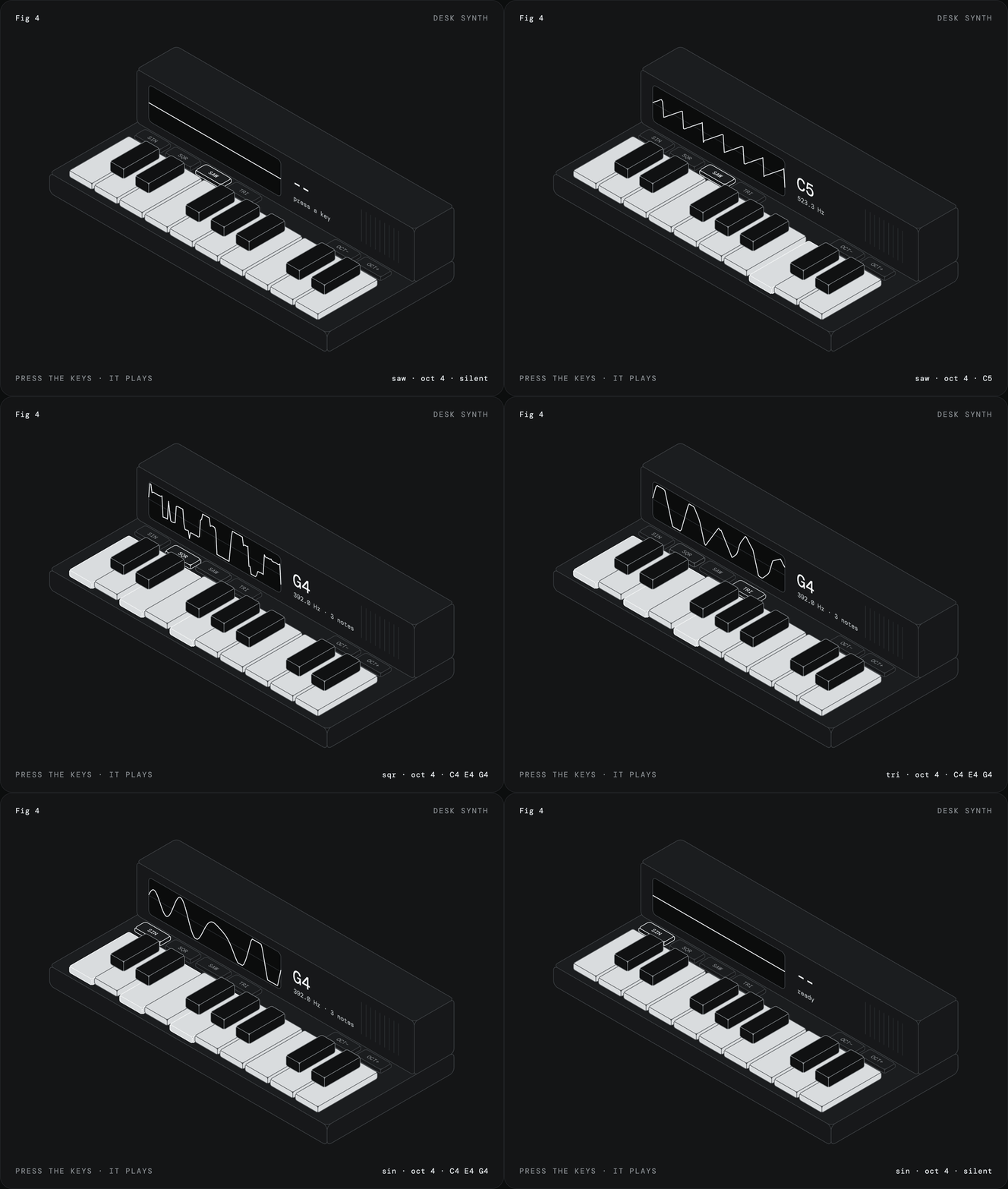
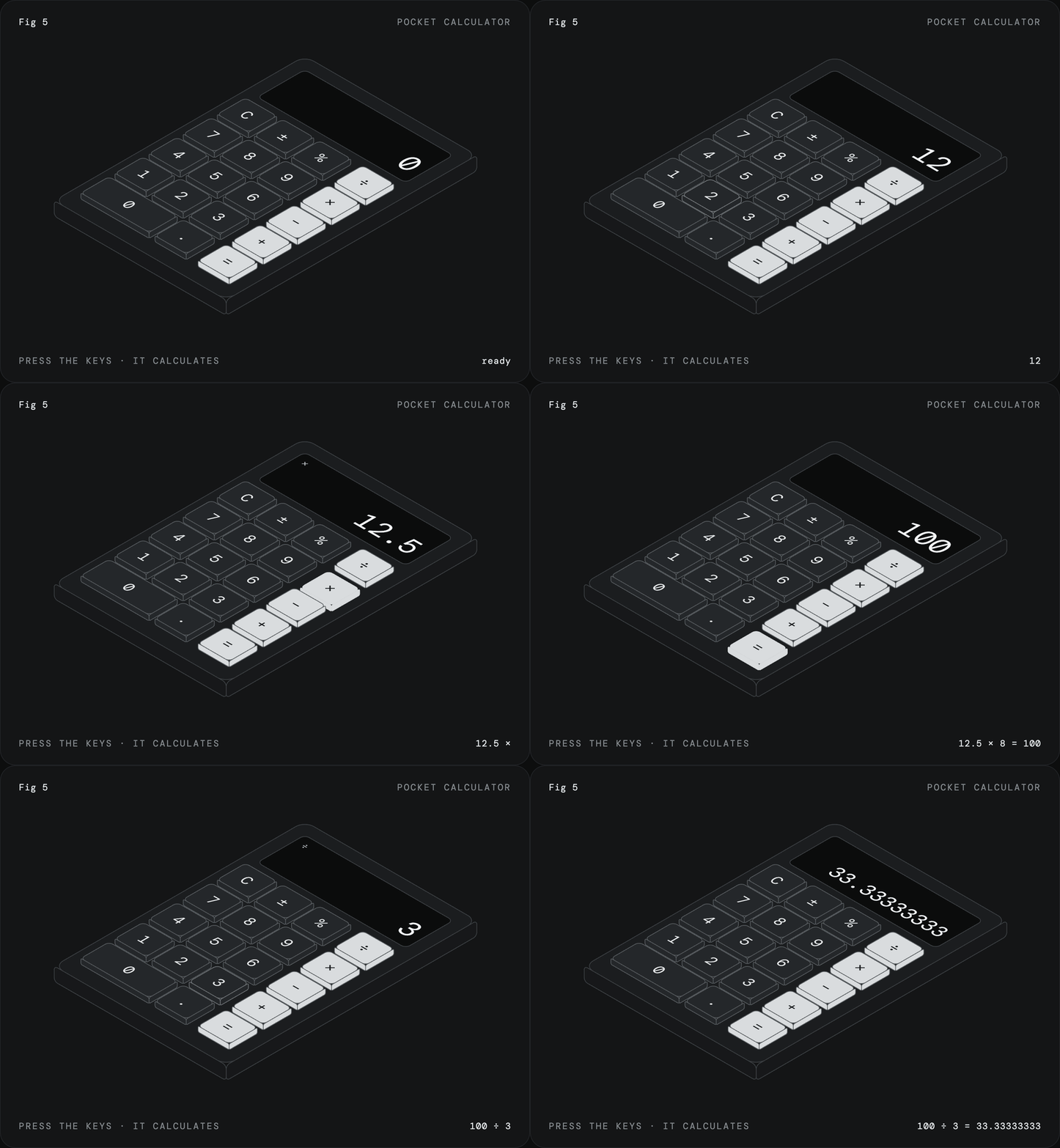
Both were made with the skill. Click either one to play with it, or open the files in examples.
How it works
The figures are plain SVG with no libraries. About 15 lines of projection code turn each face of a box into an SVG matrix(), so ordinary rects, text and paths drawn flat land on the right isometric plane, text and rounded corners included. Paint order handles depth. One state object and one render() drive the interaction, and CSS does the motion.
Before drawing anything, the skill has Claude decide what pressing a part produces: typed text, a number, a note. If the object has nothing to press, it picks a different object.
SKILL.md has the kernel, the procedure, and the rules for the look.
Install
Claude Code, as a plugin:
/plugin marketplace add MrBongoC/ai-iso-skill
/plugin install iso-figure@ai-iso-skill
Or copy the skill folder in by hand:
git clone https://github.com/MrBongoC/ai-iso-skill.git
cp -r ai-iso-skill/skills/iso-figure ~/.claude/skills/
On Claude.ai, download iso-figure.skill from the latest release and upload it in your skill settings.
Using it
Ask for a figure of something with parts you can press:
iso figure of a kitchen timer with minute buttons and a display that counts down
fig 6, a wall light switch that turns a lamp on and off
License
MIT
Questions
What is MrBongoC/ai-iso-skill?
Claude skill that draws interactive isometric figures in a single HTML file
How do I install ai-iso-skill?
Run "npx skills add MrBongoC/ai-iso-skill" and choose the skills you want. Many packs also document their own install path (for example a Claude Code plugin marketplace) in the README below.
How many skills are in ai-iso-skill?
1 SKILL.md skills. Alyn lists 1 of them with their own pages.