mhattingpete

Install Architecture Diagram Creator
Pick your agent. Every command is ready to paste.
npx skills add mhattingpete/claude-skills-marketplace --skill architecture-diagram-creatorThe open skills CLI detects your agents (Claude Code, Cursor, Codex and 70+ more) and installs to the right folder. Add -g to install globally.
01
Install it
Run the command above, or upload the folder in Claude.
02
Ask naturally
Describe the task. Your agent loads architecture-diagram-creator when the request matches its description.
03
Name it if needed
If it does not trigger, say “use the architecture-diagram-creator skill”. In Codex, type $architecture-diagram-creator.
Architecture Diagram Creator
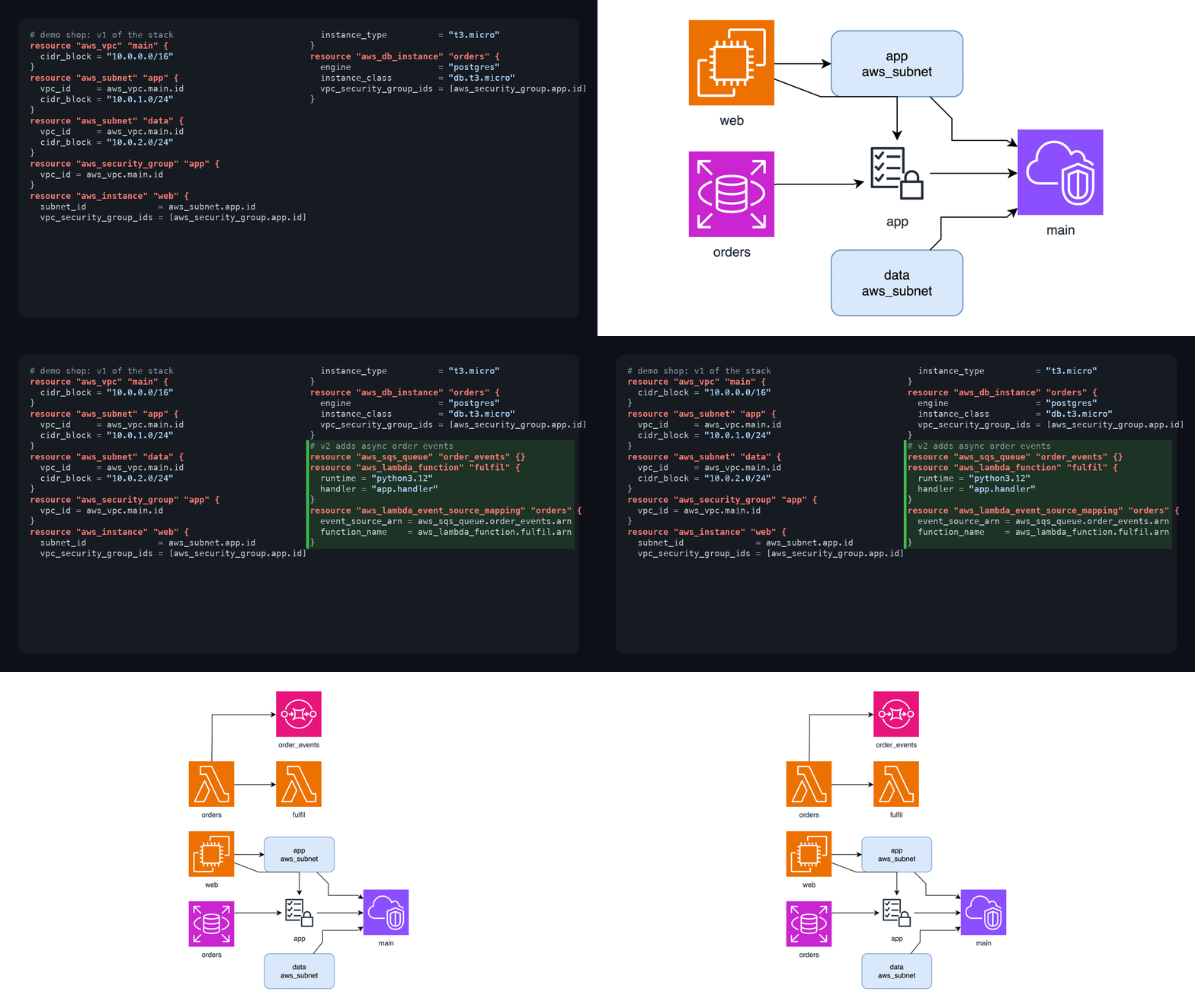
Create comprehensive HTML architecture diagrams with data flows, business context, and system architecture.
When to Use
- "Create architecture diagram for [project]"
- "Generate high-level overview"
- "Document system architecture"
- "Show data flow and processing pipeline"
Components to Include
- Business Context: objectives, users, value, metrics
- Data Flow: sources → processing → outputs with SVG diagram
- Processing Pipeline: multi-stage visualization
- System Architecture: layered components (data/processing/services/output)
- Features: functional and non-functional requirements
- Deployment: model, prerequisites, workflows
HTML Structure
<!DOCTYPE html>
<html>
<head>
  <meta charset="UTF-8">
  <meta name="viewport" content="width=device-width, initial-scale=1.0">
  <title>[Project] Architecture</title>
  <style>
    body { font-family: system-ui; max-width: 1200px; margin: 0 auto; padding: 20px; }
    h1 { background: linear-gradient(135deg, #667eea 0%, #764ba2 100%); color: white; padding: 30px; }
    .section { margin: 30px 0; }
    svg { max-width: 100%; }
    /* Use semantic colors: #4299e1 (data), #ed8936 (processing), #9f7aea (AI), #48bb78 (success) */
  </style>
</head>
<body>
  <h1>[Project Name] - Architecture Overview</h1>

  <!-- Business Context Section -->
  <!-- Data Flow Diagram (SVG) -->
  <!-- Processing Pipeline (SVG) -->
  <!-- System Architecture Layers -->
  <!-- Features Grid -->
  <!-- Deployment Info -->
</body>
</html>
SVG Pattern for Data Flow
<svg viewBox="0 0 800 400">
  <!-- Data sources (left, blue) -->
  <rect x="50" y="150" width="120" height="80" fill="#4299e1"/>

  <!-- Processing (center, orange) -->
  <rect x="340" y="150" width="120" height="80" fill="#ed8936"/>

  <!-- Outputs (right, green) -->
  <rect x="630" y="150" width="120" height="80" fill="#48bb78"/>

  <!-- Arrows connecting -->
  <path d="M170,190 L340,190" stroke="#666" stroke-width="2" marker-end="url(#arrow)"/>
</svg>
Workflow
- Analyze project (README, code structure)
- Extract: purpose, data sources, processing, tech stack, outputs
- Create HTML with all 6 sections
- Use semantic colors for visual hierarchy
- Write to
[project]-architecture.html
Keep diagrams clear, use consistent styling, include real project details.
Tips for Architecture Diagram Creator
- • Start a fresh session after installing so your agent picks up the new skill.
- • It bundles reference files. The agent reads them only when needed, so they cost no context until then.
- • It is part of a pack with 18 skills. Install only the ones you need with --skill to keep triggers precise.
- • If two skills overlap, mention the one you want by name.
Questions about Architecture Diagram Creator
What does the Architecture Diagram Creator skill do?
Create comprehensive HTML architecture diagrams showing data flows, business objectives, features, technical architecture, and deployment. Use when users request system architecture, project documentation, high-level overviews, or technical specifications.
How do I install Architecture Diagram Creator?
Run "npx skills add mhattingpete/claude-skills-marketplace --skill architecture-diagram-creator" in your project. The skills CLI installs it for Claude Code, Cursor, Codex and 70+ other agents. In Claude on the web, upload the skill folder as a ZIP under Customize > Skills.
Does Architecture Diagram Creator work in Cursor and Codex?
Yes. Architecture Diagram Creator uses the open SKILL.md format, so it works in Claude Code, Claude, Cursor, OpenAI Codex, Gemini CLI, GitHub Copilot and other agents that support agent skills.
Is Architecture Diagram Creator free?
Architecture Diagram Creator is open source on GitHub under the Apache-2.0 license. It is free to install; check the license before commercial use.
Who made Architecture Diagram Creator?
Architecture Diagram Creator is published by mhattingpete in the mhattingpete/claude-skills-marketplace repository, together with 17 other skills.