iflytek

Install Diagram Maker
Pick your agent. Every command is ready to paste.
npx skills add iflytek/skillhub --skill diagram-makerThe open skills CLI detects your agents (Claude Code, Cursor, Codex and 70+ more) and installs to the right folder. Add -g to install globally.
01
Install it
Run the command above, or upload the folder in Claude.
02
Ask naturally
Describe the task. Your agent loads diagram-maker when the request matches its description.
03
Name it if needed
If it does not trigger, say “use the diagram-maker skill”. In Codex, type $diagram-maker.
Diagram Maker
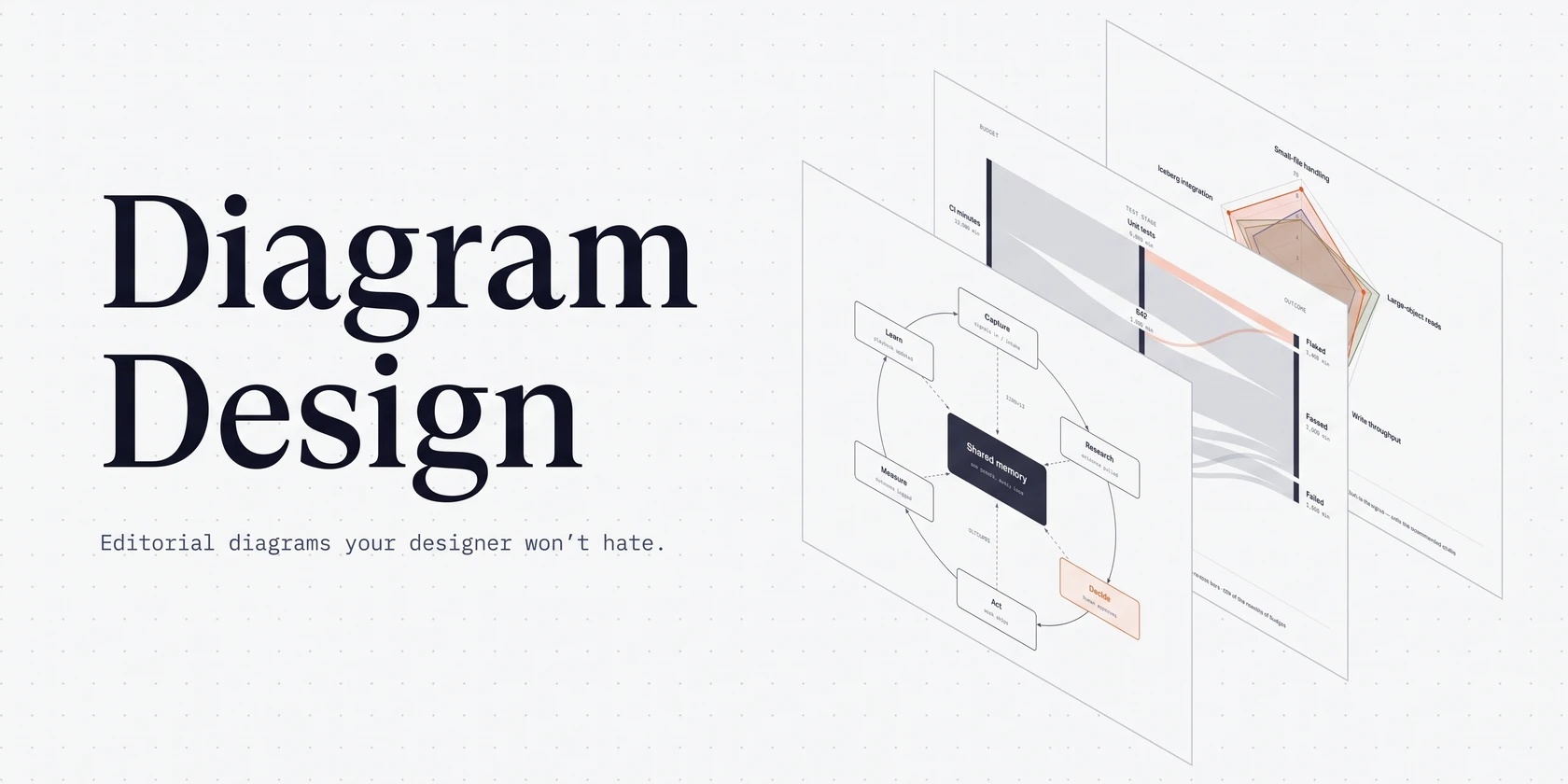
Create diagrams as artifacts, not prose. Choose one output mode:
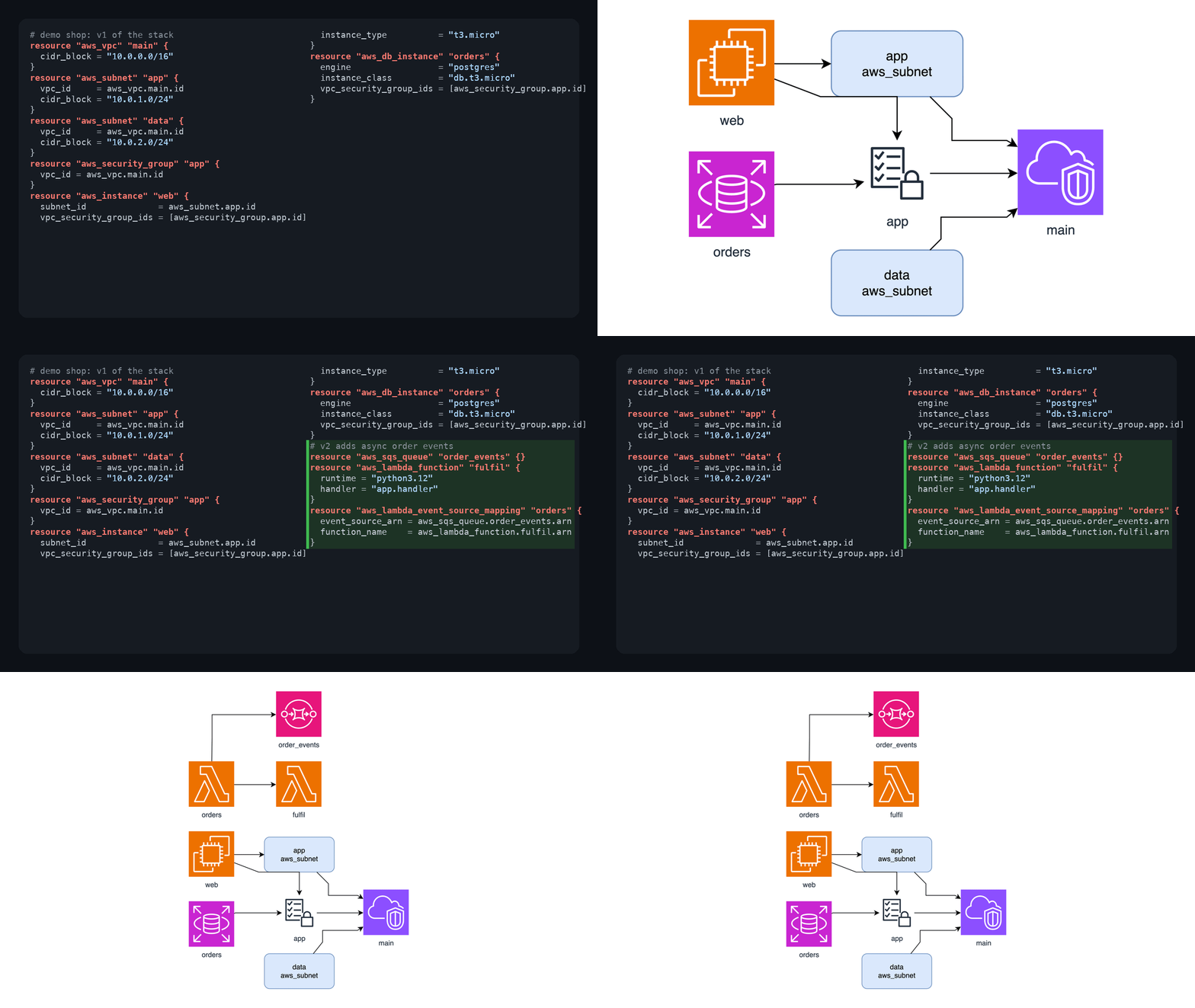
clean-svg: educational concepts, physical systems, processes, lifecycle, simple data flow.architecture-svg: software/cloud/infra topology, services, databases, queues, trust zones.excalidraw: editable hand-drawn whiteboard, flowchart, sequence, architecture sketch.
Routing
- User wants editable/collaborative: choose Excalidraw.
- User wants polished standalone browser output: choose SVG/HTML.
- Software architecture with infra components: choose architecture SVG.
- Science, product, process, concept map, physical object: choose clean SVG.
- Unsure: ask one short question only if output format matters; otherwise choose clean SVG.
Workflow
- Extract nodes, groups, labels, and directed relationships.
- Pick layout first: left-to-right, top-down, hub-spoke, swimlanes, layered stack, sequence.
- Keep labels short. Prefer 5-9 main elements over dense diagrams.
- Generate the file at the requested path. If none is provided, use
diagram.htmlordiagram.excalidrawin the current working directory. - Do not overwrite an existing file by default. Choose an unused suffixed name such as
diagram-2.html, or ask before replacing the existing file. - Verify syntax by opening or parsing the output when feasible.
SVG/HTML rules
- Single standalone
.htmlfile with inline CSS and inline SVG. - No external fonts, JS, images, gradients, glows, decorative blobs, or remote assets.
- Use semantic colors, not rainbow sequences: neutral, input, process, storage, external, risk.
- Draw connectors before nodes so arrows sit behind boxes.
- Every connector path has
fill="none"and a marker arrow when directed. - Leave 24px text padding inside boxes; do not let text touch borders.
- Legend only when symbols/colors are not obvious.
SVG template
Use references/svg-template.md as the wrapper and replace <!-- SVG -->.
Excalidraw rules
- Save
.excalidrawJSON withtype,version,source,elements, andappState. - Use bound text for shape labels. Do not use a nonstandard
labelproperty. - Keep bound text immediately after its container in the elements array.
- Minimum labeled shape: 120x60. Minimum body text: 16px.
- Use roughness
1,fontFamily: 1, and simple fills.
For exact Excalidraw element snippets, read references/excalidraw-patterns.md.
Tips for Diagram Maker
- • Start a fresh session after installing so your agent picks up the new skill.
- • It bundles reference files. The agent reads them only when needed, so they cost no context until then.
- • It is part of a pack with 24 skills. Install only the ones you need with --skill to keep triggers precise.
- • If two skills overlap, mention the one you want by name.
Questions about Diagram Maker
What does the Diagram Maker skill do?
Create standalone SVG/HTML or editable Excalidraw diagrams for concepts, architecture, processes, flows, and whiteboards.
How do I install Diagram Maker?
Run "npx skills add iflytek/skillhub --skill diagram-maker" in your project. The skills CLI installs it for Claude Code, Cursor, Codex and 70+ other agents. In Claude on the web, upload the skill folder as a ZIP under Customize > Skills.
Does Diagram Maker work in Cursor and Codex?
Yes. Diagram Maker uses the open SKILL.md format, so it works in Claude Code, Claude, Cursor, OpenAI Codex, Gemini CLI, GitHub Copilot and other agents that support agent skills.
Is Diagram Maker free?
Diagram Maker is open source on GitHub under the Apache-2.0 license. It is free to install; check the license before commercial use.
Who made Diagram Maker?
Diagram Maker is published by iflytek in the iflytek/skillhub repository, together with 23 other skills.