 qufei1993
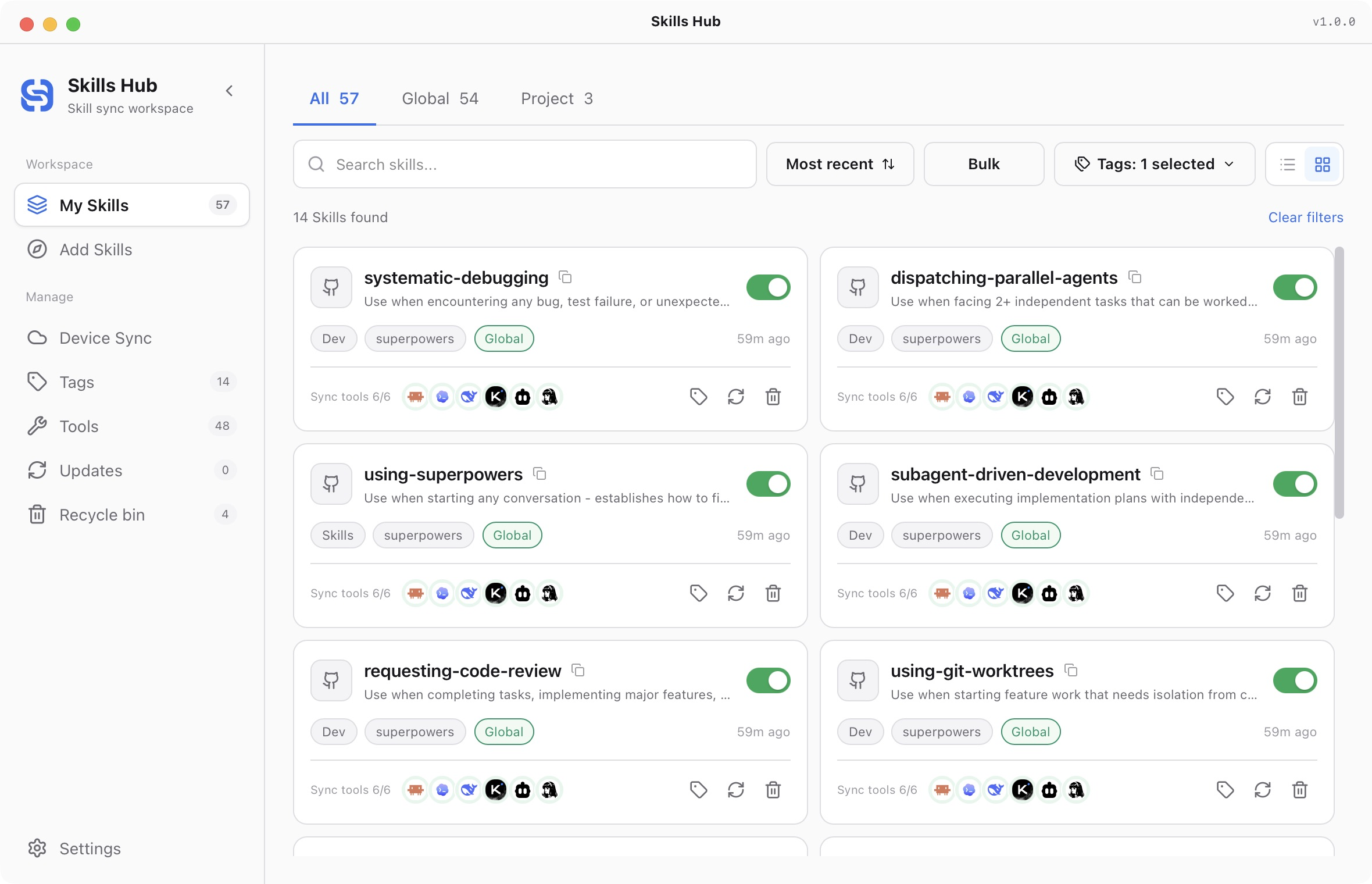
Install Dsh Record Browser Gif
Pick your agent. Every command is ready to paste.
npx skills add qufei1993/skills-hub --skill dsh-record-browser-gifThe open skills CLI detects your agents (Claude Code, Cursor, Codex and 70+ more) and installs to the right folder. Add -g to install globally.
01
Install it
Run the command above, or upload the folder in Claude.
02
Ask naturally
Describe the task. Your agent loads dsh-record-browser-gif when the request matches its description.
03
Name it if needed
If it does not trigger, say “use the dsh-record-browser-gif skill”. In Codex, type $dsh-record-browser-gif.
录制并核验真实应用演示
用户要求浏览器演示 GIF 时使用。阅读项目上下文和验证证据。默认在本地采集;上传、发布或发送须属于用户明确要求的范围。不得伪造应用画面或成功状态。
- 设计简短的用户操作过程,通常包含 3–6 个有意义的状态。检查项目启动和构建命令,确认实际运行的产物与版本。全程使用相同的应用源地址、进程或运行实例、视口和会话。录制前先处理旧服务,不能录完再解释。
- 使用可用浏览器工具真实操作并截图或录屏。优先用环境已有工具,项目声明的浏览器测试库可作备用。缺少浏览器或凭据意味着受阻,不允许合成画面代替。
- 等待可观察状态,不靠固定休眠。逐一查看采集状态,不隐藏相关失败,避免暴露凭据和私有用户数据。将原始采集文件及状态说明保存在本地证据目录。
- 确认已安装
ffmpeg和ffprobe,运行自带编码器:python3 <skill-dir>/scripts/encode_gif.py <frames-dir> <output.gif> --durations 1,2,2。 视频裁剪、速度和末帧停留参数见--help。至少需要两帧,且尺寸一致。默认限制为 5 MiB、宽度 1200、10 fps,可按目标用途调整。没有覆盖原文件的意图时,不使用--force。 - 读取编码器实际退出状态,以及 JSON 中的尺寸、帧数、时长和大小。编码失败仍可能留下输出文件,文件存在不等于成功。必须从 GIF 本身解码检查帧顺序、调色板、时间和可读性;仅查看源截图无法验证编码结果。
- 返回本地 GIF,附简短说明和当前应用运行证据。文件过大或不可读时,保留操作过程,调整时长或缩放后重新核验。查看最终文件后,只发布到用户明确指定的目标。
Tips for Dsh Record Browser Gif
- • Start a fresh session after installing so your agent picks up the new skill.
- • This skill ships scripts. Read them before the first run, and run it in a project without secrets first.
- • It bundles reference files. The agent reads them only when needed, so they cost no context until then.
- • It is part of a pack with 12 skills. Install only the ones you need with --skill to keep triggers precise.
- • If two skills overlap, mention the one you want by name.
Questions about Dsh Record Browser Gif
What does the Dsh Record Browser Gif skill do?
用户要求从真实浏览器应用录制 GIF 演示时使用,完成实际操作、采集、本地编码和结果核验。
How do I install Dsh Record Browser Gif?
Run "npx skills add qufei1993/skills-hub --skill dsh-record-browser-gif" in your project. The skills CLI installs it for Claude Code, Cursor, Codex and 70+ other agents. In Claude on the web, upload the skill folder as a ZIP under Customize > Skills.
Does Dsh Record Browser Gif work in Cursor and Codex?
Yes. Dsh Record Browser Gif uses the open SKILL.md format, so it works in Claude Code, Claude, Cursor, OpenAI Codex, Gemini CLI, GitHub Copilot and other agents that support agent skills.
Is Dsh Record Browser Gif free?
Dsh Record Browser Gif is open source on GitHub under the MIT license. It is free to install; check the license before commercial use.
Who made Dsh Record Browser Gif?
Dsh Record Browser Gif is published by qufei1993 in the qufei1993/skills-hub repository, together with 11 other skills.











