 Weizhena
Install Research Report
Pick your agent. Every command is ready to paste.
npx skills add Weizhena/Deep-Research-skills --skill research-reportThe open skills CLI detects your agents (Claude Code, Cursor, Codex and 70+ more) and installs to the right folder. Add -g to install globally.
01
Install it
Run the command above, or upload the folder in Claude.
02
Ask naturally
Describe the task. Your agent loads research-report when the request matches its description.
03
Name it if needed
If it does not trigger, say “use the research-report skill”. In Codex, type $research-report.
The skill itself
SKILL.md
Research Report - Summary Report
Trigger
/research-report
Workflow
Step 1: Locate Results Directory
Find */outline.yaml in current working directory, read topic and output_dir config.
Step 2: Scan Optional Summary Fields
Read all JSON results, extract fields suitable for TOC display (numeric, short metrics), e.g.:
- github_stars
- google_scholar_cites
- swe_bench_score
- user_scale
- valuation
- release_date
Use request_user_input to ask user:
- Which fields to display in TOC besides item name?
- Provide dynamic options list (based on actual fields in JSON)
Step 3: Generate Python Conversion Script
Generate generate_report.py in {topic}/ directory, script requirements:
- Read all JSON from output_dir
- Read fields.yaml to get field structure
- Cover all field values from each JSON
- Skip fields with values containing [uncertain]
- Skip fields listed in uncertain array
- Generate markdown report format: Table of contents (with anchor links + user-selected summary fields) + Detailed content (by field category)
- Save to
{topic}/report.md
TOC Format Requirements:
- Must include every item
- Each item displays: number, name (anchor link), user-selected summary fields
- Example:
1. [GitHub Copilot](#github-copilot) - Stars: 10k | Score: 85%
Script Technical Requirements (Must Follow)
1. JSON Structure Compatibility Support two JSON structures:
- Flat structure: Fields directly at top level
{"name": "xxx", "release_date": "xxx"} - Nested structure: Fields in category sub-dict
{"basic_info": {"name": "xxx"}, "technical_features": {...}}
Field lookup order: Top level -> category mapping key -> Traverse all nested dicts
2. Category Multi-language Mapping fields.yaml category names and JSON keys can be any combination (CN-CN, CN-EN, EN-CN, EN-EN). Must establish bidirectional mapping:
CATEGORY_MAPPING = {
    "Basic Info": ["basic_info", "Basic Info"],
    "Technical Features": ["technical_features", "technical_characteristics", "Technical Features"],
    "Performance Metrics": ["performance_metrics", "performance", "Performance Metrics"],
    "Milestone Significance": ["milestone_significance", "milestones", "Milestone Significance"],
    "Business Info": ["business_info", "commercial_info", "Business Info"],
    "Competition & Ecosystem": ["competition_ecosystem", "competition", "Competition & Ecosystem"],
    "History": ["history", "History"],
    "Market Positioning": ["market_positioning", "market", "Market Positioning"],
}
3. Complex Value Formatting
- list of dicts (e.g., key_events, funding_history): Format each dict as one line, separate kv with
| - Normal list: Short lists joined with comma, long lists displayed with line breaks
- Nested dict: Recursive formatting, display with semicolon or line breaks
- Long text strings (over 100 chars): Add line breaks
<br>or use blockquote format for readability
4. Extra Fields Collection Collect fields that exist in JSON but not defined in fields.yaml, put in "Other Info" category. Note to filter:
- Internal fields:
_source_file,uncertain - Nested structure top-level keys:
basic_info,technical_featuresetc. uncertainarray: Display each field name on separate line, don't compress into one line
5. Uncertain Value Skipping Skip conditions:
- Field value contains
[uncertain]string - Field name is in
uncertainarray - Field value is None or empty string
Step 4: Execute Script
Run python {topic}/generate_report.py
Output
{topic}/generate_report.py- Conversion script{topic}/report.md- Summary report
Tips for Research Report
- • Start a fresh session after installing so your agent picks up the new skill.
- • It is part of a pack with 5 skills. Install only the ones you need with --skill to keep triggers precise.
- • If two skills overlap, mention the one you want by name.
Questions about Research Report
What does the Research Report skill do?
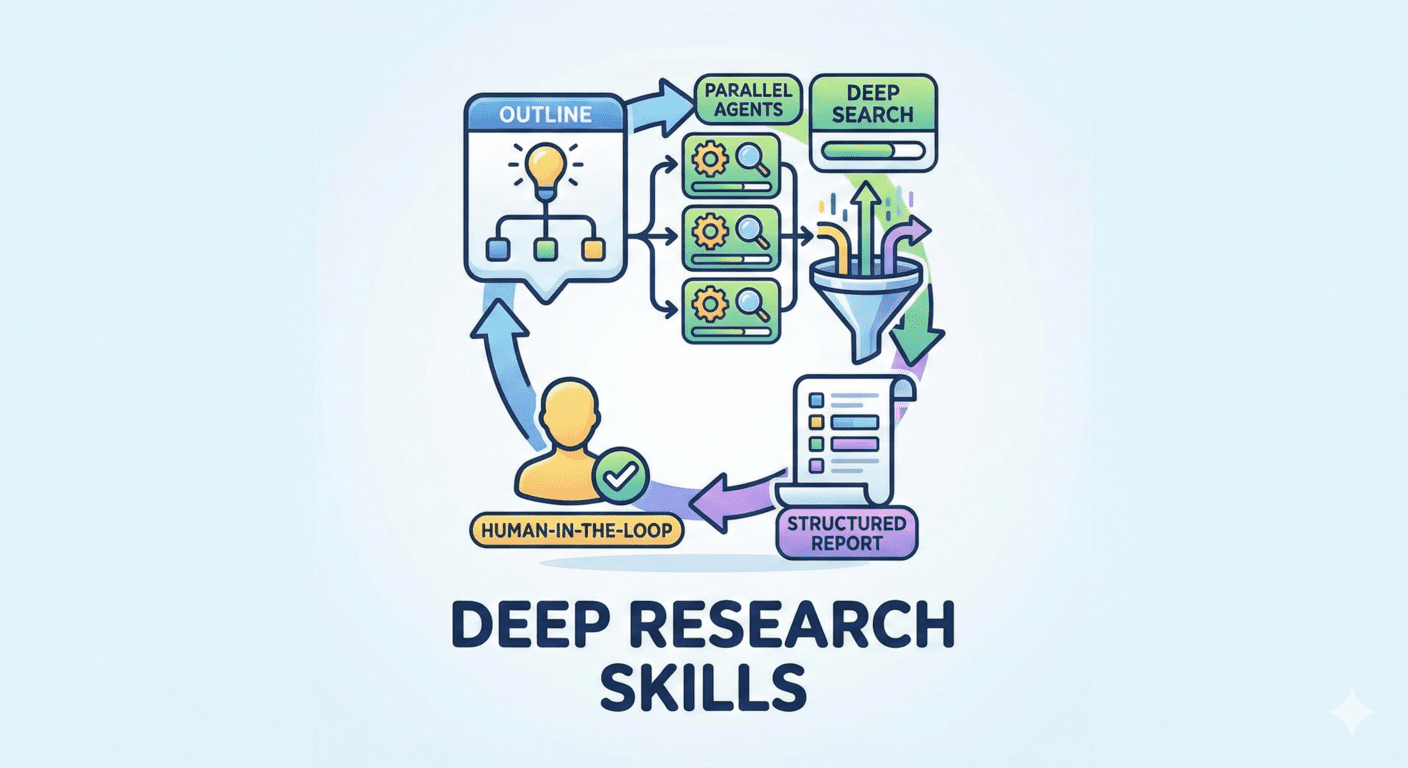
Summarize deep research results into markdown report, cover all fields, skip uncertain values.
How do I install Research Report?
Run "npx skills add Weizhena/Deep-Research-skills --skill research-report" in your project. The skills CLI installs it for Claude Code, Cursor, Codex and 70+ other agents. In Claude on the web, upload the skill folder as a ZIP under Customize > Skills.
Does Research Report work in Cursor and Codex?
Yes. Research Report uses the open SKILL.md format, so it works in Claude Code, Claude, Cursor, OpenAI Codex, Gemini CLI, GitHub Copilot and other agents that support agent skills.
Is Research Report free?
Research Report is open source on GitHub under the MIT license. It is free to install; check the license before commercial use.
Who made Research Report?
Research Report is published by Weizhena in the Weizhena/Deep-Research-skills repository, together with 4 other skills.









