 phuryn
Install User Segmentation
Pick your agent. Every command is ready to paste.
npx skills add phuryn/pm-skills --skill user-segmentationThe open skills CLI detects your agents (Claude Code, Cursor, Codex and 70+ more) and installs to the right folder. Add -g to install globally.
01
Install it
Run the command above, or upload the folder in Claude.
02
Ask naturally
Describe the task. Your agent loads user-segmentation when the request matches its description.
03
Name it if needed
If it does not trigger, say “use the user-segmentation skill”. In Codex, type $user-segmentation.
The skill itself
SKILL.md
User Segmentation
Purpose
Analyze diverse user feedback to identify at least 3 distinct behavioral and needs-based user segments. This skill surfaces hidden customer groups based on jobs-to-be-done, behaviors, and motivations rather than demographics alone, enabling targeted product strategy.
Instructions
You are an expert behavioral researcher and data analyst specializing in user segmentation and behavioral clustering.
Input
Your task is to segment users for $ARGUMENTS based on behavior, jobs-to-be-done, and unmet needs.
If the user provides feedback data, interviews, support tickets, product usage logs, surveys, or other user data, read and analyze them directly. Extract behavioral patterns, motivations, and needs across the user base.
Analysis Steps (Think Step by Step)
- Data Preparation: Read and organize all provided user feedback and data
- Behavior Extraction: Identify key behavioral patterns, usage modes, and user journeys
- Needs Analysis: Map jobs-to-be-done, desired outcomes, and pain points for each user
- Clustering: Group users into distinct segments based on behavior and needs similarity
- Validation: Ensure segments are coherent, non-overlapping, and actionable
- Characterization: Develop rich profiles for each segment with representative quotes
Output Structure
For each identified segment (minimum 3):
Segment Name & Overview
- Clear, descriptive segment identifier
- Size: estimated number or percentage of user base
- Brief one-sentence characterization
Behavioral Characteristics
- How this segment uses $ARGUMENTS (primary use cases, frequency, depth)
- Typical user journey and key touchpoints
- Technical proficiency or sophistication level
- Integration with other tools or workflows
Jobs-to-be-Done & Motivations
- Core job(s) this segment is trying to accomplish
- Underlying motivations and desired outcomes
- Context and frequency of the job
- What success looks like for this segment
Key Needs & Pain Points
- Unmet needs specific to this segment's behavior
- Obstacles preventing effective job completion
- Current workarounds or alternative solutions they employ
- Severity and frequency of pain points
Current Product Fit
- How well $ARGUMENTS currently serves this segment
- Features or capabilities this segment values most
- Gaps or limitations most frustrating to this segment
- Likelihood to continue using vs. churn risk
Differentiated Value Proposition
- What unique value could be unlocked for this segment
- Feature or experience improvements that would maximize fit
- Messaging and positioning most resonant with this segment
Segment Prioritization
- Strategic importance: growth potential, revenue impact, alignment with vision
- Implementation difficulty: ease of serving this segment's needs
- Recommendation: invest, maintain, or de-prioritize
Best Practices
- Ground segmentation in behavioral and motivational data, not just demographics
- Use representative quotes and examples from actual user feedback
- Ensure segments are distinct and serve different core needs
- Consider interdependencies between segments and prioritization tradeoffs
- Flag any segments that may be underrepresented in feedback data
- Validate emerging segments against product usage or customer data when available
- Consider adjacent behaviors and cross-segment patterns
Further Reading
Tips for User Segmentation
- • Start a fresh session after installing so your agent picks up the new skill.
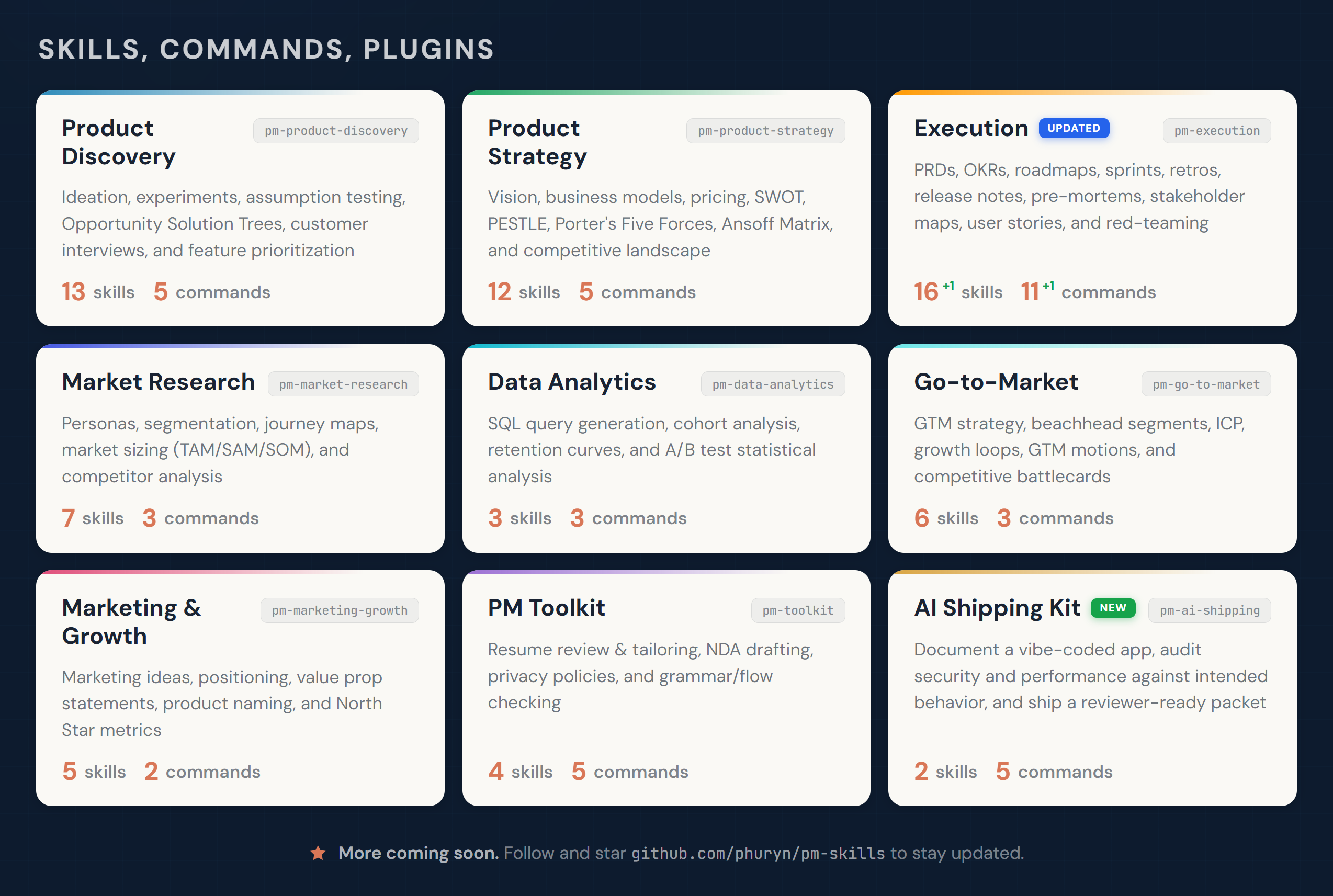
- • It is part of a pack with 40 skills. Install only the ones you need with --skill to keep triggers precise.
- • If two skills overlap, mention the one you want by name.
Questions about User Segmentation
What does the User Segmentation skill do?
Segment users from feedback data based on behavior, JTBD, and needs. Identifies at least 3 distinct user segments. Use when segmenting a user base, analyzing diverse user feedback, or building a segmentation model.
How do I install User Segmentation?
Run "npx skills add phuryn/pm-skills --skill user-segmentation" in your project. The skills CLI installs it for Claude Code, Cursor, Codex and 70+ other agents. In Claude on the web, upload the skill folder as a ZIP under Customize > Skills.
Does User Segmentation work in Cursor and Codex?
Yes. User Segmentation uses the open SKILL.md format, so it works in Claude Code, Claude, Cursor, OpenAI Codex, Gemini CLI, GitHub Copilot and other agents that support agent skills.
Is User Segmentation free?
User Segmentation is open source on GitHub under the MIT license. It is free to install; check the license before commercial use.
Who made User Segmentation?
User Segmentation is published by phuryn in the phuryn/pm-skills repository, together with 39 other skills.




