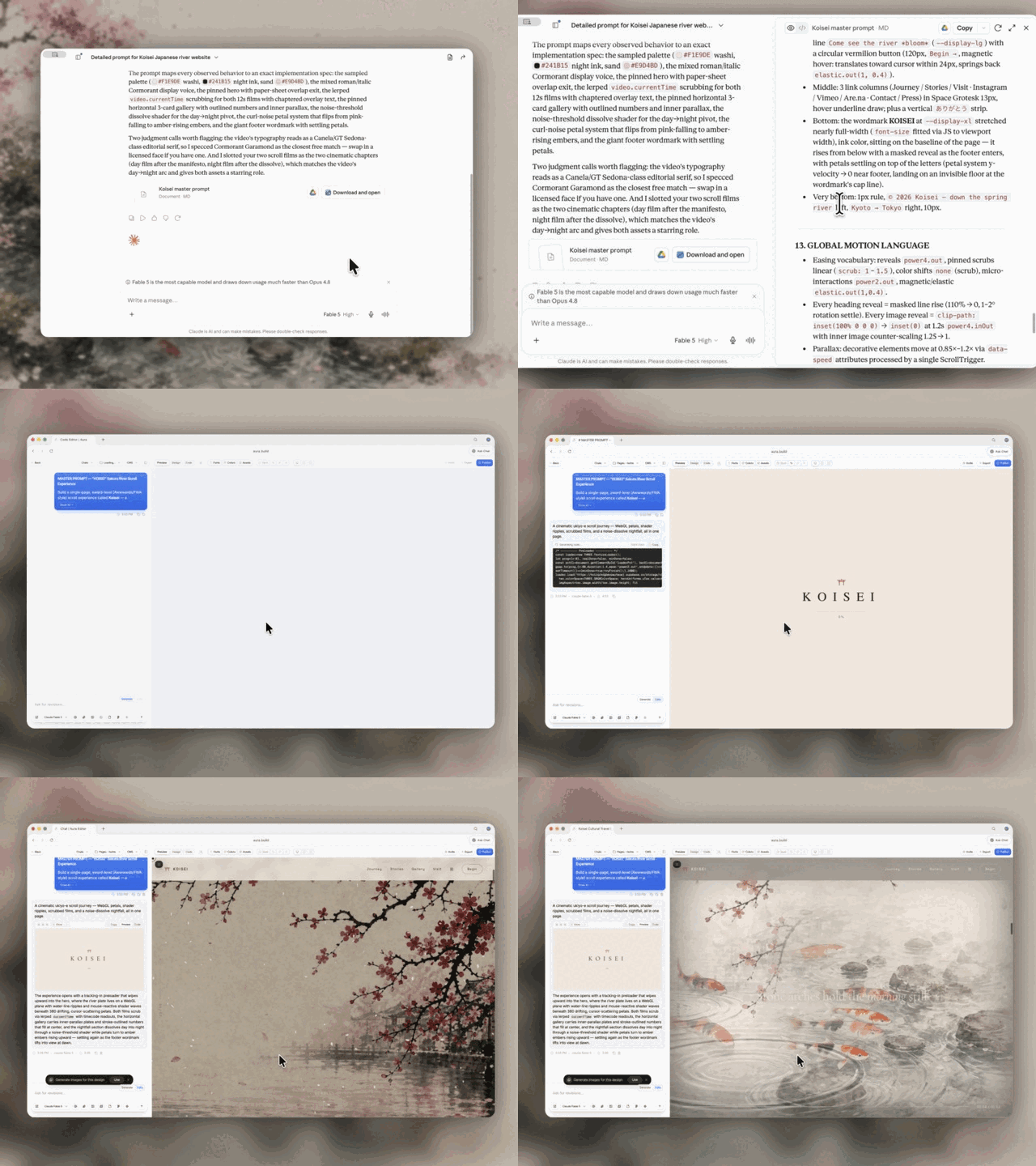
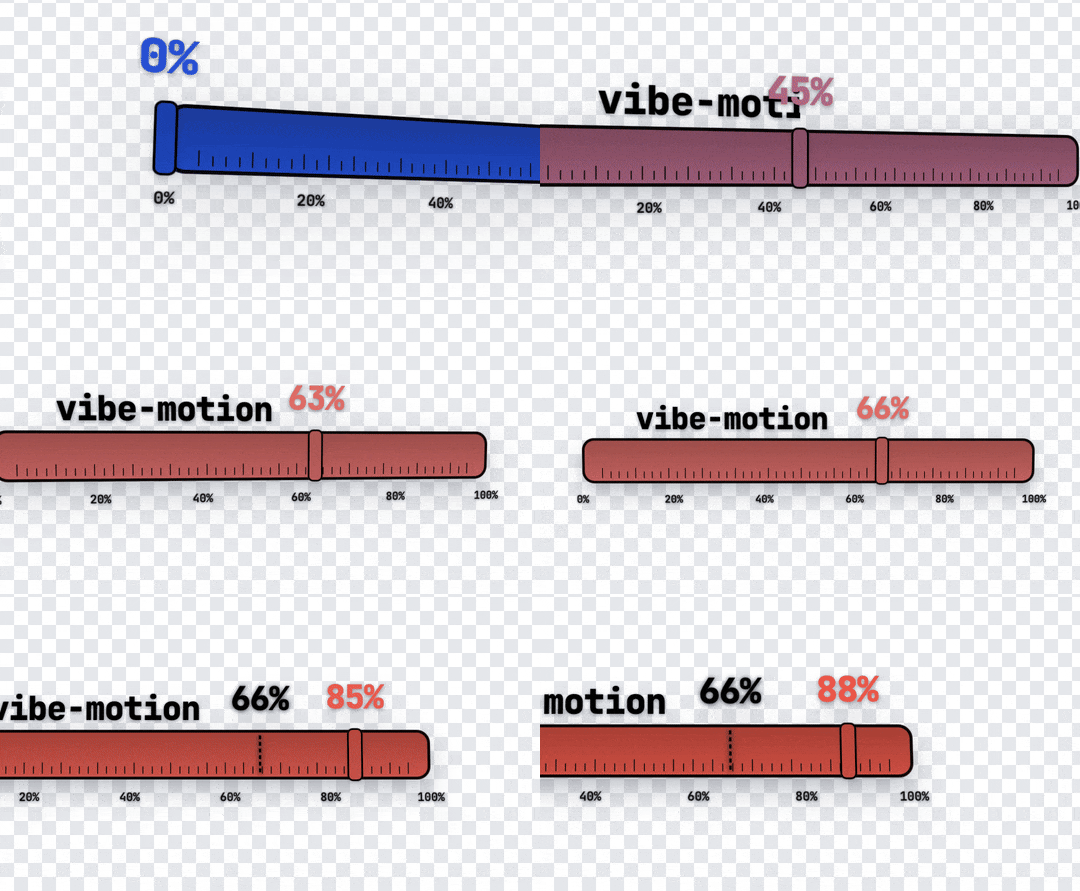
vibe-motion
Install Claude Typer
Pick your agent. Every command is ready to paste.
npx skills add vibe-motion/skills --skill claude-typerThe open skills CLI detects your agents (Claude Code, Cursor, Codex and 70+ more) and installs to the right folder. Add -g to install globally.
01
Install it
Run the command above, or upload the folder in Claude.
02
Ask naturally
Describe the task. Your agent loads claude-typer when the request matches its description.
03
Name it if needed
If it does not trigger, say “use the claude-typer skill”. In Codex, type $claude-typer.
Claude Typer
Workflow
- Extract the text that should be typed in the animation as
prompt. - Run:
skill_dir="" for base in "${AGENTS_HOME:-$HOME/.agents}" "${CLAUDE_HOME:-$HOME/.claude}" "${CODEX_HOME:-$HOME/.codex}"; do if [ -d "$base/skills/claude-typer" ]; then skill_dir="$base/skills/claude-typer" break fi done [ -n "$skill_dir" ] || { echo "claude-typer skill not found under ~/.agents, ~/.claude, or ~/.codex"; exit 1; } /usr/local/bin/python3 "$skill_dir/scripts/render_claude_typer.py" "<prompt>"- Example with explicit size and scale:
/usr/local/bin/python3 "$skill_dir/scripts/render_claude_typer.py" \ "claude-typer skill可以让智能体做出提示词打字机动效视频,快来试试吧" \ --video-width 1080 \ --video-height 600 \ --claude-width 600 \ --scale 2 - Example matching custom runner + remotion params passthrough:
/usr/local/bin/python3 "$skill_dir/scripts/render_claude_typer.py" \
  "vibe-motion/skills:一个面向智能体的MG动画/视频技能仓库." \
  --runner-prefix "npx -y -p @remotion/cli@4.0.440 -p @remotion/tailwind-v4@4.0.440 remotion" \
  --composition Typer30fps \
  --output-file Typer30fps.mov \
  --codec prores \
  --prores-profile 4444 \
  --pixel-format yuva444p10le \
  --image-format png \
  --audio-codec aac \
  --video-width 1080 \
  --video-height 1080 \
  --claude-width 880
- Return the generated video path in the current working directory.
Rendering Behavior
- Render remote composition
Typer30fpsfromhttps://www.laosunwendao.com. - Use
@remotion/cli(notremotionpackage name). - Prefer
bunx @remotion/clifirst. - Fall back to
npx -y -p @remotion/cli@4.0.440 -p @remotion/tailwind-v4@4.0.440 remotionifbunxis unavailable. - Keep transparent MOV defaults:
--fps=30--codec=prores--prores-profile=4444--pixel-format=yuva444p10le--image-format=png--scale=2
- Keep defaults for stability:
--timeout=300000--concurrency=1- Auto-detect local Chrome/Chromium and pass
--browser-executablewhen found.
- Keep default props from the project; replace
prompt, and allow overridingvideoWidth/videoHeight/claudeWidththrough script args. - Unknown CLI args are passed through to
remotion renderdirectly (for advanced flags). --runner-prefixlets you fully control the runner command (for pinned versions, global resolution behavior, etc.).- Exposed Remotion props for this skill are scalar fields only:
prompt,typingSpeedMs,model,videoWidth,videoHeight,claudeWidth,tiltStartX,tiltStartY,tiltEndX,tiltEndY,tiltDurationRatio.
Output File Naming
- Save into the current directory as
xxx.mov. - Build
xxxby condensing the prompt:- Remove common request wrappers like
帮我,请,做一个,生成一个,制作,创建at the start. - Remove illegal filename characters.
- Keep Chinese/English letters and digits.
- If result is empty, use
claude-typer.
- Remove common request wrappers like
- Example:
- Prompt:
帮我做一个web画板 - Output:
web画板.mov
- Prompt:
Notes
- On a clean machine,
Node.js + npxis enough for this fallback path, as long as network access to npm andhttps://www.laosunwendao.comis available. - If both
bunxandnpxare unavailable, install one of them and retry. - If the output name already exists, Remotion overwrite behavior applies.
- If you hit
delayRender()timeout, keep--concurrency=1and raise--timeout-msas needed.
Tips for Claude Typer
- • Start a fresh session after installing so your agent picks up the new skill.
- • This skill ships scripts. Read them before the first run, and run it in a project without secrets first.
- • It is part of a pack with 15 skills. Install only the ones you need with --skill to keep triggers precise.
- • If two skills overlap, mention the one you want by name.
Questions about Claude Typer
What does the Claude Typer skill do?
Render a Claude-style prompt typing animation video by calling Remotion CLI against the remote site https://www.laosunwendao.com. Use when the user asks for "做一个 claude 的提示词打字机动画", "做 Claude 打字动画", "创建提示词动画", or similar requests that convert a text prompt into a typing-animation video.
How do I install Claude Typer?
Run "npx skills add vibe-motion/skills --skill claude-typer" in your project. The skills CLI installs it for Claude Code, Cursor, Codex and 70+ other agents. In Claude on the web, upload the skill folder as a ZIP under Customize > Skills.
Does Claude Typer work in Cursor and Codex?
Yes. Claude Typer uses the open SKILL.md format, so it works in Claude Code, Claude, Cursor, OpenAI Codex, Gemini CLI, GitHub Copilot and other agents that support agent skills.
Is Claude Typer free?
Claude Typer is open source on GitHub. It is free to install; check the license before commercial use.
Who made Claude Typer?
Claude Typer is published by vibe-motion in the vibe-motion/skills repository, together with 14 other skills.