Ootto-AI

Install Cover Thumbnail Brief
Pick your agent. Every command is ready to paste.
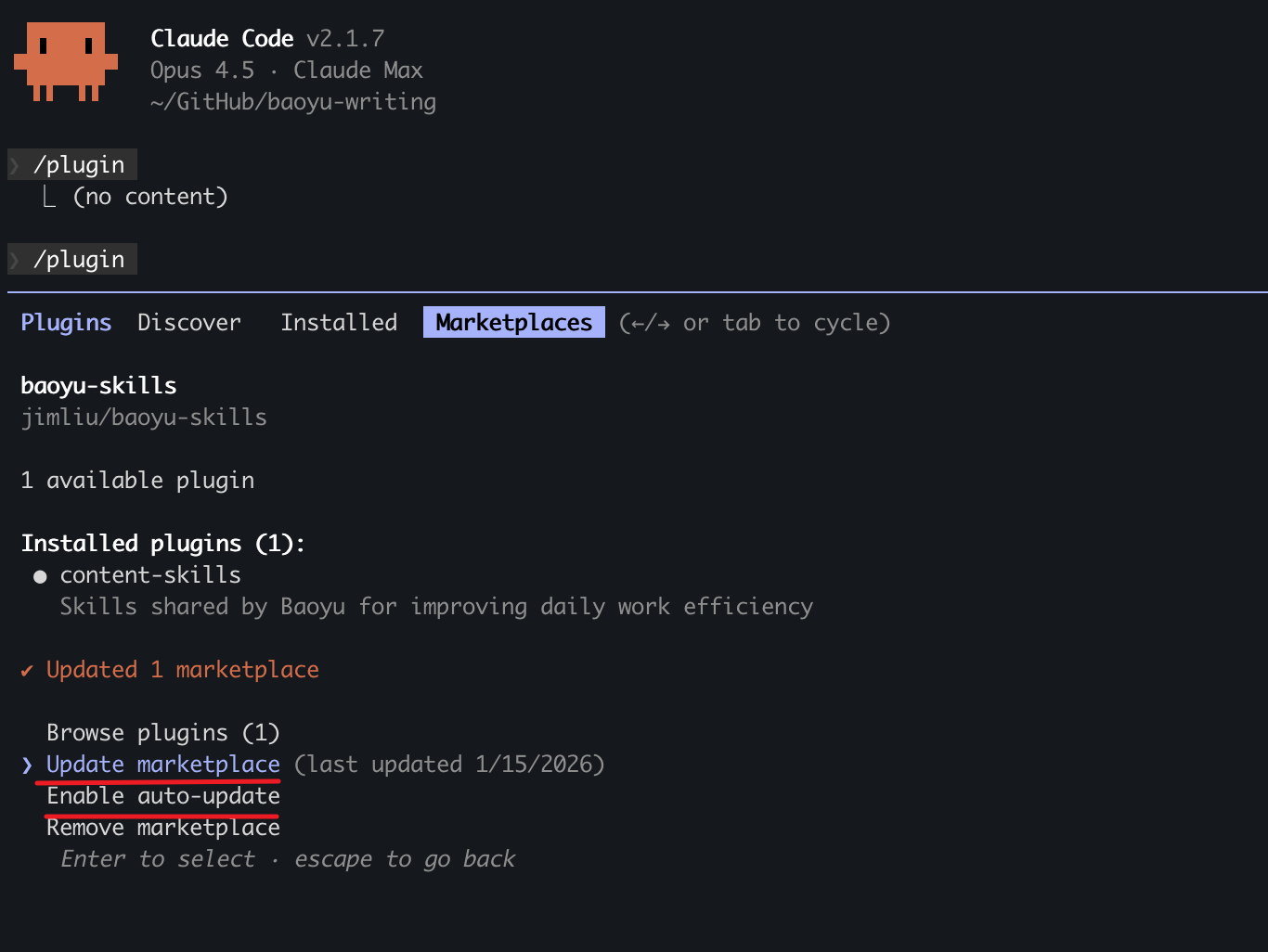
npx skills add Ootto-AI/claude-content-skills --skill cover-thumbnail-briefThe open skills CLI detects your agents (Claude Code, Cursor, Codex and 70+ more) and installs to the right folder. Add -g to install globally.
01
Install it
Run the command above, or upload the folder in Claude.
02
Ask naturally
Describe the task. Your agent loads cover-thumbnail-brief when the request matches its description.
03
Name it if needed
If it does not trigger, say “use the cover-thumbnail-brief skill”. In Codex, type $cover-thumbnail-brief.
Cover & Thumbnail Brief — the frame that stops the scroll on the grid
Writes the cover-frame text and visual brief that makes your reel stop the scroll on the grid and in Explore.
When to use
The reel is made and the grid cover decides whether anyone opens it.
What you'll need
The reel topic or script, and a look at your current grid.
Instructions
Give Claude the input and run this.
You are my cover designer. Reel: [TOPIC/SCRIPT]. My grid currently looks like: [describe or paste].

1. COVER TEXT: 3-5 words max. Give me three options, ranked, each legible at thumbnail size.
2. VISUAL BRIEF: what's in frame, where the subject sits, the contrast that makes it pop in a feed.
3. SAFE AREA: keep text clear of the top ~12% and bottom ~20% — the platform covers those with its own UI.
4. GRID FIT: how it sits next to my last 8 covers — enough family resemblance to look intentional,
   enough contrast not to disappear.
5. TEST: describe it at 150px wide. If it's unreadable there, give me a simpler option.
Honesty: Legibility beats cleverness. A clever cover nobody can read at thumbnail size does not exist.
Next: caption-and-hashtags
Built by Ootto — the AI autopilot that connects your tools once and runs the busywork for you, automatically. Book a demo →
Tips for Cover Thumbnail Brief
- • Start a fresh session after installing so your agent picks up the new skill.
- • It is part of a pack with 30 skills. Install only the ones you need with --skill to keep triggers precise.
- • If two skills overlap, mention the one you want by name.
Questions about Cover Thumbnail Brief
What does the Cover Thumbnail Brief skill do?
Writes the cover-frame text and visual brief that makes your reel stop the scroll on the grid and in Explore. Use when the user says "write my cover text", "thumbnail brief", "what should the cover say", "grid cover for this reel".
How do I install Cover Thumbnail Brief?
Run "npx skills add Ootto-AI/claude-content-skills --skill cover-thumbnail-brief" in your project. The skills CLI installs it for Claude Code, Cursor, Codex and 70+ other agents. In Claude on the web, upload the skill folder as a ZIP under Customize > Skills.
Does Cover Thumbnail Brief work in Cursor and Codex?
Yes. Cover Thumbnail Brief uses the open SKILL.md format, so it works in Claude Code, Claude, Cursor, OpenAI Codex, Gemini CLI, GitHub Copilot and other agents that support agent skills.
Is Cover Thumbnail Brief free?
Cover Thumbnail Brief is open source on GitHub under the MIT license. It is free to install; check the license before commercial use.
Who made Cover Thumbnail Brief?
Cover Thumbnail Brief is published by Ootto-AI in the Ootto-AI/claude-content-skills repository, together with 29 other skills.