 elementalsouls
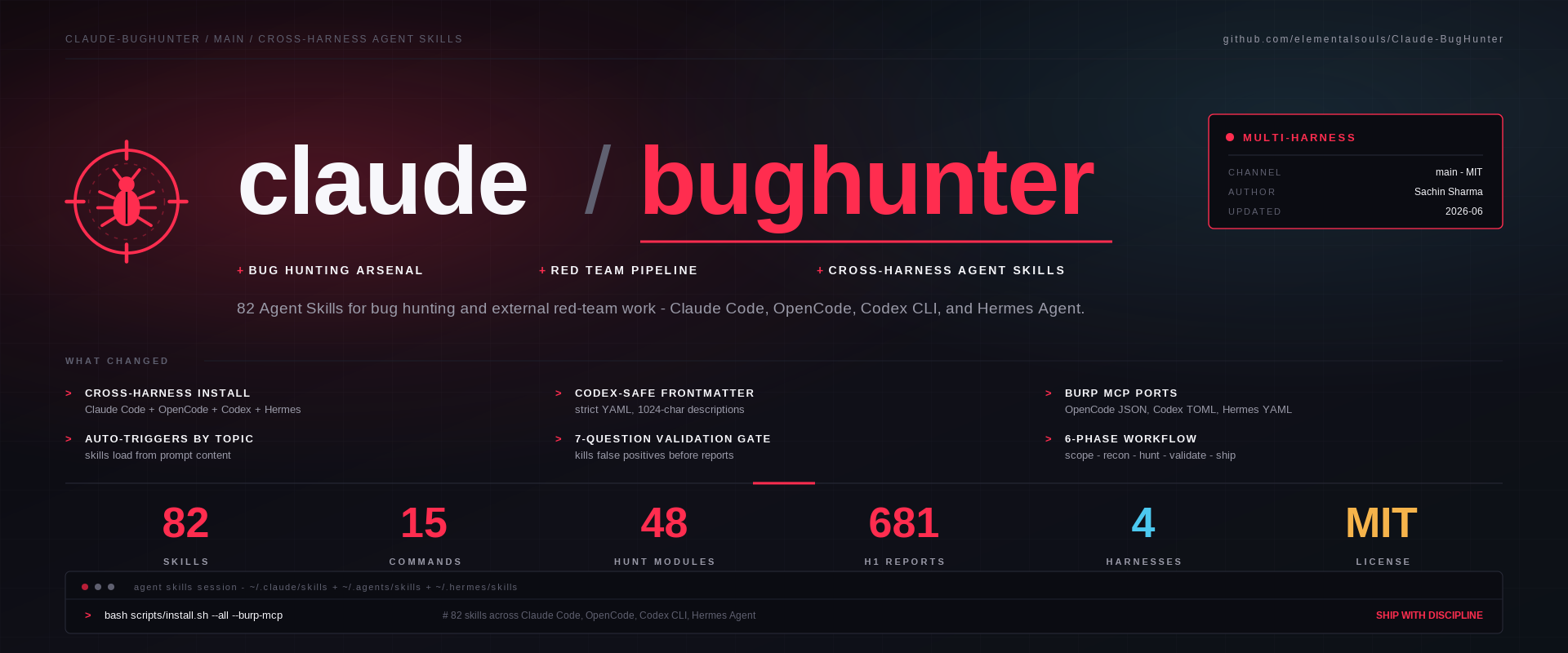
What is the Hunt Forgot Password skill?
Hunt Forgot Password is a coding skill by elementalsouls for Claude Code, Cursor, Codex and other AI coding agents. Hunt Forgot Password / Account Recovery Authentication Flaws — 5 distinct patterns: (1) username enumeration via different responses for valid vs invalid email, (2) reset token exposed directly in the API response body, (3) reset token not invalidated after use (replay), (4) password reset link works from a different IP/browser (no binding), (5) no rate limit on the reset request endpoint.
Start with username enumeration — it's the fastest win and gates the rest.
What the SKILL.md covers
- Autonomous Testing Priority
- Vulnerability Classes in This Skill
- 1. Username Enumeration via Password Reset
- 2. Weak / Predictable Reset Tokens
- 3. Token Not Bound to Session or IP
- 4. Reset Link Doesn't Expire
- 5. No Rate Limit on Reset Endpoint
- Related Skills
- Author
- elementalsouls
- Pack
- elementalsouls/Claude-BugHunter (30 skills)
- Category
- Coding, #948 of 1826
- Alyn Score
- 64 / 99
- Files
- 1
- License
- MIT
- Last updated
- 35 h ago
- Works with
- Claude Code, Claude, Cursor, Codex, Gemini CLI, Copilot
Hunt Forgot Password compared to similar skills
| Skill | Alyn Score | GitHub stars | Updated |
|---|---|---|---|
| Hunt Forgot Password · elementalsouls | 64 | 21k | 35 h ago |
| PR · Matt Pocock | 94 | 332k | 31 h ago |
| Jlink · zhinkgit | 58 | 812 | 8 days ago |
| Dsh Record Browser Gif · qufei1993 | 47 | 1.9k | 3 days ago |
Install Hunt Forgot Password
Pick your agent. Every command is ready to paste.
npx alyn-cli add hunt-forgot-passwordDetects your agents (Claude Code, Cursor, Codex and 70+ more) and installs to the right folder. Add -g to install globally.
npx skills add elementalsouls/Claude-BugHunter --skill hunt-forgot-passwordOr use the open skills CLI directly.
01
Install it
Run the command above, or upload the folder in Claude.
02
Ask naturally
Describe the task. Your agent loads hunt-forgot-password when the request matches its description.
03
Name it if needed
If it does not trigger, say “use the hunt-forgot-password skill”. In Codex, type $hunt-forgot-password.
Autonomous Testing Priority
Start with username enumeration — it's the fastest win and gates the rest.
Pattern 1 — Username enumeration (response difference for valid vs invalid email):
- POST to the forgot-password endpoint with a clearly invalid email (e.g.
nonexistent@fakedomain12345.com) — record the response body, status code, and length - POST with an email you know exists (or try common patterns like
admin@target.com,test@target.com,user@target.com) - Compare responses: different message ("Email sent" vs "Email not found"), different HTTP status, or meaningfully different body length = username enumeration confirmed
- Proof: enumeration is confirmed when the two responses differ measurably (baseline vs probe) in message text, status code, or body length
Pattern 2 — Reset token exposed in the API response: Some APIs return the reset token directly in the response body (instead of only emailing it). POST to the forgot-password endpoint and look for a token, link, or code in the JSON/HTML response. If a token appears that lets you reset the password, that's an immediate account-takeover vector.
Pattern 3 — Reset token replay (reuse after use):
- Complete a full password reset cycle: request token → use it to reset password
- Immediately try submitting the same token again to the reset-password endpoint
- If the second submission returns 200 or "success" → token not invalidated after use
Pattern 4 — No rate limit on reset requests: Submit the forgot-password endpoint 10-20 times rapidly with the same email. If all succeed without a 429, lockout, or CAPTCHA → no rate limit (enumeration + token flooding is possible).
Content-type: Forgot-password endpoints are often JSON-based REST APIs. Use application/x-www-form-urlencoded only if the endpoint is a traditional HTML form (check the login page's HTML to determine form encoding).
Proof: Username enumeration = measurably different response (body/status/length). Token exposure = token in response body. Token replay = second successful use of a consumed token.
Vulnerability Classes in This Skill
1. Username Enumeration via Password Reset
Different error messages for valid vs invalid accounts leaks the user list without authentication. Even timing differences (fast "no user found" vs slow "email queued") count.
High-value targets: admin accounts, employee email patterns, API keys derived from usernames.
2. Weak / Predictable Reset Tokens
A reset token derived from timestamp, username, or sequential IDs can be brute-forced:
base64(email + timestamp)— decodable- 4-6 digit numeric code — 10K guesses, easily feasible with no rate limit
- Sequential
token=1234,token=1235— trivially enumerable
3. Token Not Bound to Session or IP
Most apps generate a token, email it, and accept it from any browser. A truly bound token should only work from the same IP or require the original session cookie. If neither is enforced → link forwarding = account takeover.
Token leak via Referer / third-party resources. When the token rides in the reset-page URL (/reset?token=…) and that page loads any cross-origin resource (analytics, ads, fonts, a CDN image), the full URL — token included — leaks to that third party in the Referer header. Check the reset page's outbound requests: if the token appears in any cross-origin Referer, it's harvestable without the victim's inbox. Same leak via a <meta name=referrer> misconfig or an outbound link the victim clicks from the reset page. Disclosed token-leak→ATO class: https://hackerone.com/reports/173551.
4. Reset Link Doesn't Expire
Common best practice: reset tokens expire within ~15–60 minutes (no hard RFC mandates the exact value; OWASP recommends a short, single-use lifetime). If a token from 24 hours ago still works → persistence risk for phishing attacks.
5. No Rate Limit on Reset Endpoint
An uncapped reset endpoint enables:
- Email flooding (DoS against victim's inbox)
- Token brute-force if the token space is small
- Username enumeration at scale
Related Skills
hunt-ato— owns the account-takeover CHAIN (password-reset is its path #1). This skill finds/proves the recovery-flow primitive; hand off to hunt-ato to assemble the full takeover.hunt-cache-poison— host-header injection during reset email generation (different vulnerability, same flow)hunt-brute-force— rate-limit testing pattern applies to the reset endpoint toohunt-auth-bypass— if the reset flow can be skipped entirely (go to/reset-password?token=with empty/null token)hunt-mfa-bypass— if MFA is required after reset, test the bypass there
Tips for Hunt Forgot Password
- • Start a fresh session after installing so your agent picks up the new skill.
- • It is part of a pack with 30 skills. Install only the ones you need with --skill to keep triggers precise.
- • If two skills overlap, mention the one you want by name.
Questions about Hunt Forgot Password
What does the Hunt Forgot Password skill do?
Hunt Forgot Password / Account Recovery Authentication Flaws — 5 distinct patterns: (1) username enumeration via different responses for valid vs invalid email, (2) reset token exposed directly in the API response body, (3) reset token not invalidated after use (replay), (4) password reset link works from a different IP/browser (no binding), (5) no rate limit on the reset request endpoint.
How do I install Hunt Forgot Password?
Run "npx alyn-cli add hunt-forgot-password" in your project. The Alyn CLI installs it for Claude Code, Cursor, Codex and 70+ other agents. In Claude on the web, upload the skill folder as a ZIP under Customize > Skills.
Does Hunt Forgot Password work in Cursor and Codex?
Yes. Hunt Forgot Password uses the open SKILL.md format, so it works in Claude Code, Claude, Cursor, OpenAI Codex, Gemini CLI, GitHub Copilot and other agents that support agent skills.
What is inside the Hunt Forgot Password skill?
The SKILL.md covers Autonomous Testing Priority, Vulnerability Classes in This Skill, 1. Username Enumeration via Password Reset, 2. Weak / Predictable Reset Tokens, 3. Token Not Bound to Session or IP, 4. Reset Link Doesn't Expire.
What is a good alternative to Hunt Forgot Password?
PR by Matt Pocock is the highest-ranked similar skill from another creator, with an Alyn Score of 94 compared to 64 for Hunt Forgot Password.
Is Hunt Forgot Password free?
Hunt Forgot Password is open source on GitHub under the MIT license. It is free to install; check the license before commercial use.
Who made Hunt Forgot Password?
Hunt Forgot Password is published by elementalsouls in the elementalsouls/Claude-BugHunter repository, together with 29 other skills.


