Jakeschincariol
Install Li Repurpose
Pick your agent. Every command is ready to paste.
npx skills add Jakeschincariol/linkedin-agent-skill --skill li-repurposeThe open skills CLI detects your agents (Claude Code, Cursor, Codex and 70+ more) and installs to the right folder. Add -g to install globally.
01
Install it
Run the command above, or upload the folder in Claude.
02
Ask naturally
Describe the task. Your agent loads li-repurpose when the request matches its description.
03
Name it if needed
If it does not trigger, say “use the li-repurpose skill”. In Codex, type $li-repurpose.
li-repurpose
One good long asset contains four to six posts. Most people extract one and throw the rest away.
Input
A transcript, an article, a newsletter, a script, a call summary. If the user gives a YouTube URL and there is a transcript tool available in the session, use it; otherwise ask them to paste the text. Read the whole thing before extracting anything.
Extract, do not summarise
A summary of a video is not a post. Nobody wants the summary. Go through the asset and pull out the things that stand alone:
| pull | what it is |
|---|---|
| Claims | every sentence that would start an argument |
| Numbers | every figure, cost, duration, percentage |
| Stories | every moment with a person, a scene and a cost |
| Mechanisms | every "the way this works is..." explanation |
| Mistakes | every admission of something that went wrong |
| Lines | every sentence that is already quotable as-is |
List what you found, with counts, before writing anything. If the asset yields fewer than four items, it is thin, and four posts squeezed out of it will be thin too. Say that.
Then build the week
Each extract becomes one post, and each post has to stand completely on its own - the reader has not seen the video and never will. Never write "as I mentioned in my latest video". The post is the thing.
Assign a hook formula from li-post/hooks.json to each, and vary them: five
posts from one source with the same hook shape reads as a content mill.
Order them across the week so the strongest claim goes first, the story goes midweek, and the mechanism post goes last, when people who liked the earlier ones are watching for it.
Output
SOURCE: "Why we killed discovery calls" (18 min, 3,400 words)

FOUND  4 claims, 6 numbers, 2 stories, 3 mechanisms, 1 mistake, 5 quotable lines

WEEK
TUE  #1  Contrarian    Discovery calls are a tax you pay for a bad website
WED  #17 Time Anchor   We got 6 hours a week back by deleting one calendar link
THU  #9  Cold Open     "Can we just hop on a quick call?"
FRI  #21 Direct Value  The 4-question form that replaced the call. Steal it.

Say "write Tuesday" and I will draft it.
Then draft on request, one at a time, each through /li-post and /li-human.
Do not dump four finished posts at once - they will all sound the same, and
the user will edit none of them.
Tips for Li Repurpose
- • Start a fresh session after installing so your agent picks up the new skill.
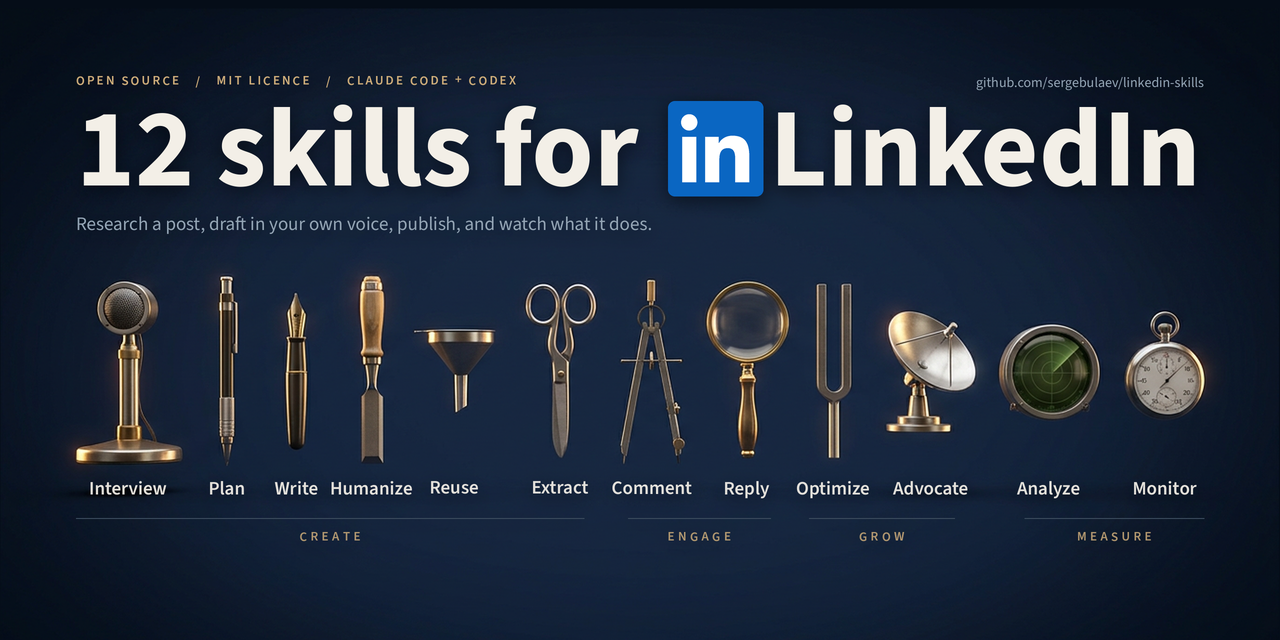
- • It is part of a pack with 11 skills. Install only the ones you need with --skill to keep triggers precise.
- • If two skills overlap, mention the one you want by name.
Questions about Li Repurpose
What does the Li Repurpose skill do?
Turn one long asset - a YouTube video, podcast, newsletter, blog post, transcript or client call - into a week of LinkedIn posts. Use when the user says "repurpose this", "turn this into posts", "I have a video/newsletter/ transcript", or pastes a long piece of content and wants it on LinkedIn.
How do I install Li Repurpose?
Run "npx skills add Jakeschincariol/linkedin-agent-skill --skill li-repurpose" in your project. The skills CLI installs it for Claude Code, Cursor, Codex and 70+ other agents. In Claude on the web, upload the skill folder as a ZIP under Customize > Skills.
Does Li Repurpose work in Cursor and Codex?
Yes. Li Repurpose uses the open SKILL.md format, so it works in Claude Code, Claude, Cursor, OpenAI Codex, Gemini CLI, GitHub Copilot and other agents that support agent skills.
Is Li Repurpose free?
Li Repurpose is open source on GitHub under the MIT license. It is free to install; check the license before commercial use.
Who made Li Repurpose?
Li Repurpose is published by Jakeschincariol in the Jakeschincariol/linkedin-agent-skill repository, together with 10 other skills.