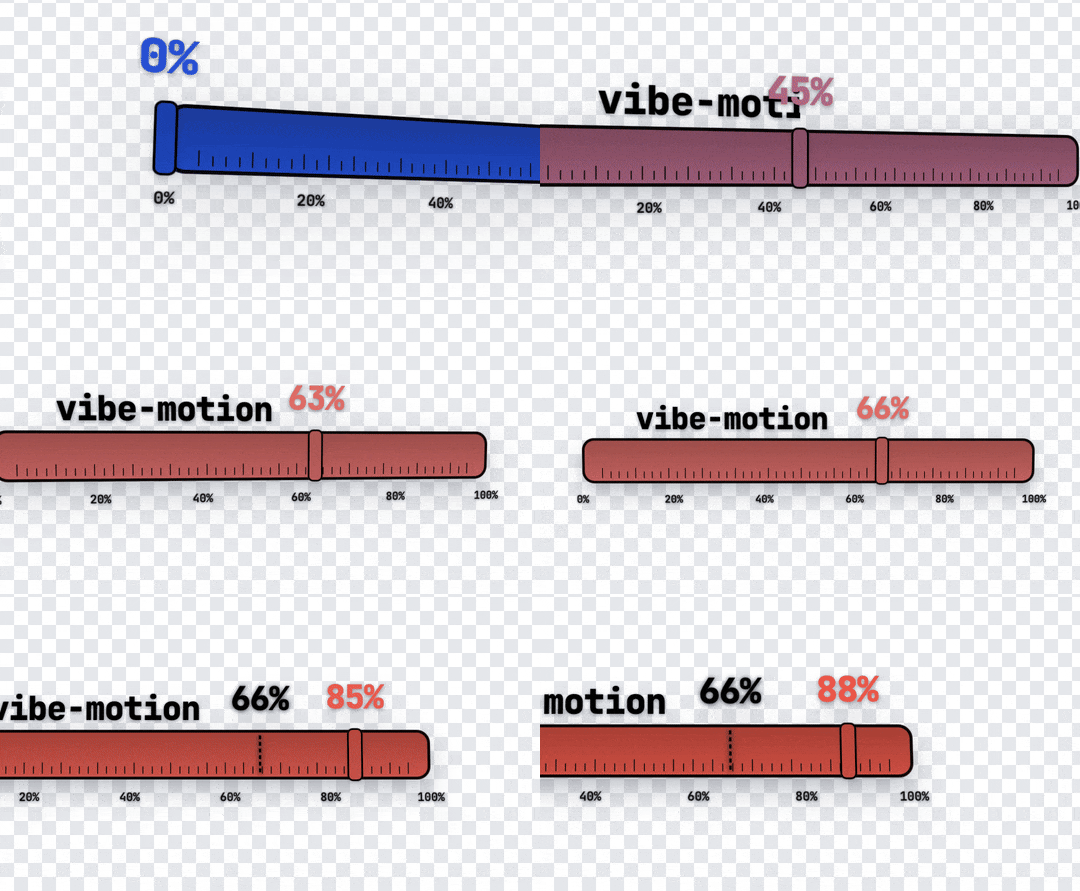
vibe-motion
Install Remotion Vinyl Player
Pick your agent. Every command is ready to paste.
npx skills add vibe-motion/skills --skill remotion-vinyl-playerThe open skills CLI detects your agents (Claude Code, Cursor, Codex and 70+ more) and installs to the right folder. Add -g to install globally.
01
Install it
Run the command above, or upload the folder in Claude.
02
Ask naturally
Describe the task. Your agent loads remotion-vinyl-player when the request matches its description.
03
Name it if needed
If it does not trigger, say “use the remotion-vinyl-player skill”. In Codex, type $remotion-vinyl-player.
Remotion Vinyl Player
This skill provides a reusable architectural pattern and component for creating a highly aesthetic "Vinyl Record Player" interface in Remotion videos.
How it works
The Vinyl Player relies on standard Remotion hooks (useCurrentFrame, useVideoConfig) to drive an infinite rotation, marquee scrolling text, and a synced progress bar.
- Infinite Rotation: Using
frame / (fps * secondsPerRev) * 360, the vinyl disc spins continuously, simulating realistic record playback. - Seamless Marquee: To handle long song titles, the text is duplicated (
<h2>Title</h2><h2>Title</h2>) inside a flex container.transform: translateX(-%)maps from 0 to -50% to create a perfect, invisible looping marquee. - Progress Bar: Maps the current frame to the total duration of the composition or specified track length to animate a progress fill and knob.
- Realistic Textures: CSS tricks like
radial-gradientare applied to the record disc to create the illusion of vinyl grooves, whilebox-shadowgenerates edge lighting and depth.
How to use this skill
- Copy the asset: Copy the generic component located at
assets/VinylPlayer.tsxinto the user'ssrc/components/animations/folder. - Configure: Guide the user to import and use the
<VinylPlayer />component within their Remotion<Composition />. - Adapt Data: Pass standard props (
coverUrl,songTitle,artistName) to customize the music player's display.
Provided Assets
assets/VinylPlayer.tsx: The highly reusable, strongly-typed Remotion component implementing the Vinyl Player layout and animations.
Tips for Remotion Vinyl Player
- • Start a fresh session after installing so your agent picks up the new skill.
- • It bundles reference files. The agent reads them only when needed, so they cost no context until then.
- • It is part of a pack with 15 skills. Install only the ones you need with --skill to keep triggers precise.
- • If two skills overlap, mention the one you want by name.
Questions about Remotion Vinyl Player
What does the Remotion Vinyl Player skill do?
Creates an elegant, realistic Vinyl Record Player animation component for Remotion. Use when needing a music player UI, album showcase, or audio-visualizer interface in a video. (Keywords: 黑胶唱片, 音乐播放器, 唱片机, 专辑展示, 音频可视化)
How do I install Remotion Vinyl Player?
Run "npx skills add vibe-motion/skills --skill remotion-vinyl-player" in your project. The skills CLI installs it for Claude Code, Cursor, Codex and 70+ other agents. In Claude on the web, upload the skill folder as a ZIP under Customize > Skills.
Does Remotion Vinyl Player work in Cursor and Codex?
Yes. Remotion Vinyl Player uses the open SKILL.md format, so it works in Claude Code, Claude, Cursor, OpenAI Codex, Gemini CLI, GitHub Copilot and other agents that support agent skills.
Is Remotion Vinyl Player free?
Remotion Vinyl Player is open source on GitHub. It is free to install; check the license before commercial use.
Who made Remotion Vinyl Player?
Remotion Vinyl Player is published by vibe-motion in the vibe-motion/skills repository, together with 14 other skills.