Egonex-AI
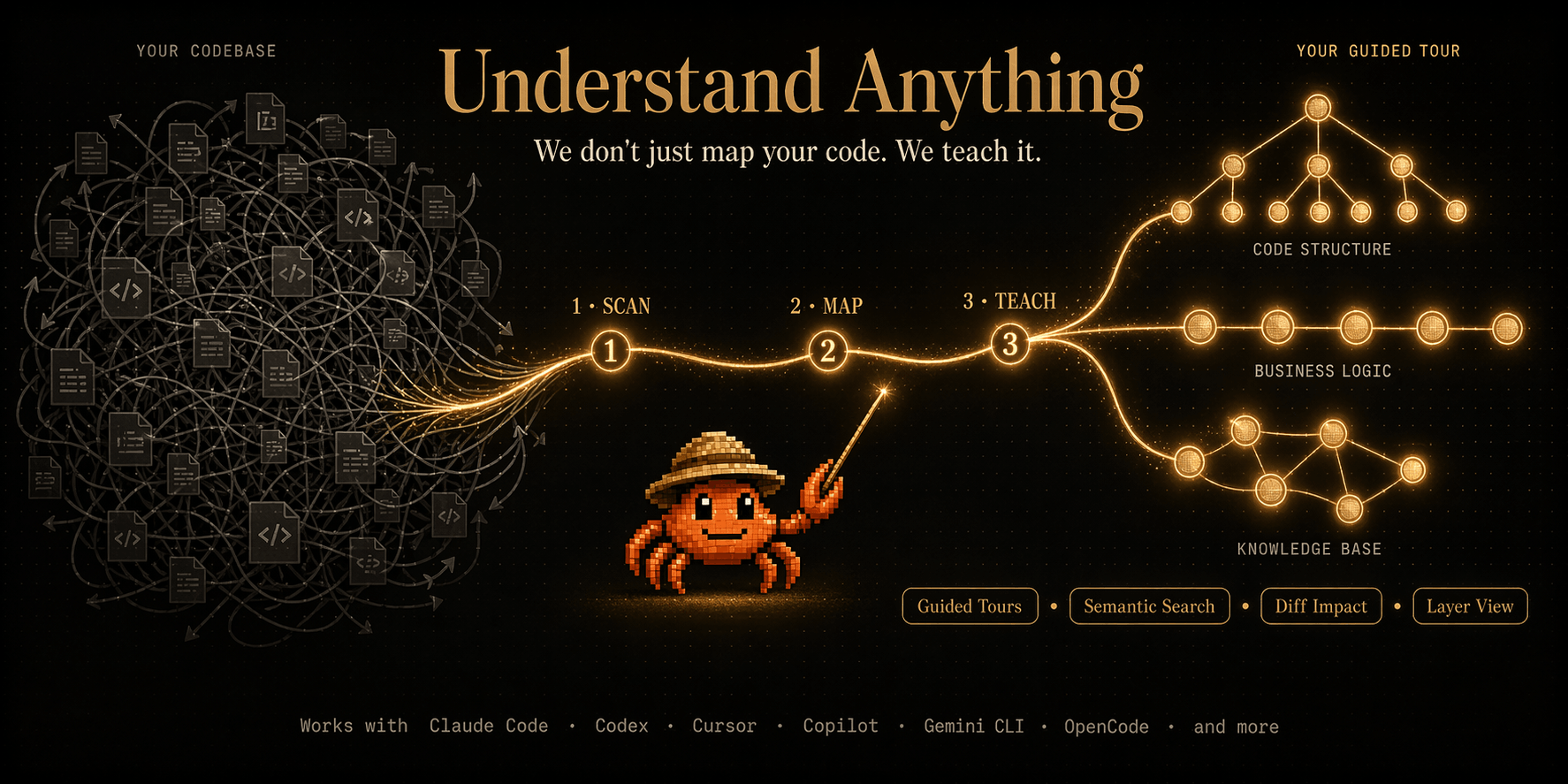
Install Understand Dashboard
Pick your agent. Every command is ready to paste.
npx skills add Egonex-AI/Understand-Anything --skill understand-dashboardThe open skills CLI detects your agents (Claude Code, Cursor, Codex and 70+ more) and installs to the right folder. Add -g to install globally.
01
Install it
Run the command above, or upload the folder in Claude.
02
Ask naturally
Describe the task. Your agent loads understand-dashboard when the request matches its description.
03
Name it if needed
If it does not trigger, say “use the understand-dashboard skill”. In Codex, type $understand-dashboard.
The skill itself
SKILL.md
/understand-dashboard
Start the Understand Anything dashboard to visualize the knowledge graph for the current project.
Instructions
Determine the project directory and data directory:
- If
$ARGUMENTScontains a path, use that as the project directory - Otherwise, use the current working directory
- Prefer the legacy
.understand-anything/data directory when it exists, otherwise use.ua/
Use the Bash tool to resolve:
PROJECT_ARG="$ARGUMENTS" if [ -n "$PROJECT_ARG" ]; then PROJECT_DIR=$(cd "$PROJECT_ARG" 2>/dev/null && pwd -P) else PROJECT_DIR=$(pwd -P) fi if [ -z "$PROJECT_DIR" ] || [ ! -d "$PROJECT_DIR" ]; then echo "Error: Project directory not found: ${PROJECT_ARG:-$PWD}" exit 1 fi if [ -d "$PROJECT_DIR/.understand-anything" ]; then UA_DIR="$PROJECT_DIR/.understand-anything" else UA_DIR="$PROJECT_DIR/.ua" fi- If
Check that
$UA_DIR/knowledge-graph.jsonexists in the project directory. If not, tell the user:No knowledge graph found. Run /understand first to analyze this project.Use the Bash tool to check:
if [ ! -f "$UA_DIR/knowledge-graph.json" ]; then
  echo "No knowledge graph found. Run /understand first to analyze this project."
  exit 1
fi
Find the dashboard code. The dashboard is at
packages/dashboard/relative to this plugin's root directory. Check these paths in order and use the first that exists:${CLAUDE_PLUGIN_ROOT}/packages/dashboard/(Claude Code runtime root, highest priority)${DEVIN_PLUGIN_ROOT}/packages/dashboard/(explicit override, when set)- Two levels up from this skill's own directory,
<SKILL_DIR>(the base directory your platform reported when loading this skill — covers plugin installs with no fixed location, such as Devin's) ~/.understand-anything-plugin/packages/dashboard/(universal symlink, all installs)- Two levels up from
~/.agents/skills/understand-dashboardreal path (self-relative fallback) - Two levels up from
~/.copilot/skills/understand-dashboardreal path (Copilot personal skills fallback) - Common clone-based install roots:
~/.codex/understand-anything/understand-anything-plugin/packages/dashboard/~/.opencode/understand-anything/understand-anything-plugin/packages/dashboard/~/.pi/understand-anything/understand-anything-plugin/packages/dashboard/~/understand-anything/understand-anything-plugin/packages/dashboard/
Use the Bash tool to resolve:
SKILL_DIR_RELATIVE=$(cd -P "<SKILL_DIR>" 2>/dev/null && cd ../.. && pwd || echo "")
SKILL_REAL=$(realpath ~/.agents/skills/understand-dashboard 2>/dev/null || readlink -f ~/.agents/skills/understand-dashboard 2>/dev/null || echo "")
SELF_RELATIVE=$([ -n "$SKILL_REAL" ] && cd "$SKILL_REAL/../.." 2>/dev/null && pwd || echo "")
COPILOT_SKILL_REAL=$(realpath ~/.copilot/skills/understand-dashboard 2>/dev/null || readlink -f ~/.copilot/skills/understand-dashboard 2>/dev/null || echo "")
COPILOT_SELF_RELATIVE=$([ -n "$COPILOT_SKILL_REAL" ] && cd "$COPILOT_SKILL_REAL/../.." 2>/dev/null && pwd || echo "")

PLUGIN_ROOT=""
for candidate in \
  "${CLAUDE_PLUGIN_ROOT}" \
  "${DEVIN_PLUGIN_ROOT}" \
  "$SKILL_DIR_RELATIVE" \
  "$HOME/.understand-anything-plugin" \
  "$SELF_RELATIVE" \
  "$COPILOT_SELF_RELATIVE" \
  "$HOME/.codex/understand-anything/understand-anything-plugin" \
  "$HOME/.opencode/understand-anything/understand-anything-plugin" \
  "$HOME/.pi/understand-anything/understand-anything-plugin" \
  "$HOME/understand-anything/understand-anything-plugin"; do
  if [ -n "$candidate" ] && [ -d "$candidate/packages/dashboard" ]; then
    PLUGIN_ROOT="$candidate"; break
  fi
done

if [ -z "$PLUGIN_ROOT" ]; then
  echo "Error: Cannot find the understand-anything plugin root."
  echo "Checked:"
  echo "  - ${CLAUDE_PLUGIN_ROOT:-<unset CLAUDE_PLUGIN_ROOT>}"
  echo "  - ${DEVIN_PLUGIN_ROOT:-<unset DEVIN_PLUGIN_ROOT>}"
  echo "  - ${SKILL_DIR_RELATIVE:-<unresolved path derived from the skill directory>}"
  echo "  - $HOME/.understand-anything-plugin"
  echo "  - ${SELF_RELATIVE:-<unresolved path derived from ~/.agents/skills/understand-dashboard>}"
  echo "  - ${COPILOT_SELF_RELATIVE:-<unresolved path derived from ~/.copilot/skills/understand-dashboard>}"
  echo "  - $HOME/.codex/understand-anything/understand-anything-plugin"
  echo "  - $HOME/.opencode/understand-anything/understand-anything-plugin"
  echo "  - $HOME/.pi/understand-anything/understand-anything-plugin"
  echo "  - $HOME/understand-anything/understand-anything-plugin"
  echo "Make sure you followed the installation instructions for your platform."
  exit 1
fi

DASHBOARD_DIR="$PLUGIN_ROOT/packages/dashboard"
Fast path — try the prebuilt viewer first (no install, no build). Each release ships a self-contained viewer tarball; run it pinned to the installed plugin version:
: "${PLUGIN_ROOT:?Run step 3 first so PLUGIN_ROOT is set}"
: "${PROJECT_DIR:?Run step 1 first so PROJECT_DIR is set}"
PLUGIN_VERSION=$(node -p "require('$PLUGIN_ROOT/package.json').version")
VIEWER_URL="https://github.com/Egonex-AI/Understand-Anything/releases/download/v${PLUGIN_VERSION}/understand-anything-viewer.tgz"
npx --yes "$VIEWER_URL" "$PROJECT_DIR"
Run this in the background. It prints the same
🔑 Dashboard URLline as the dev server:- If the line appears, skip steps 5-6 and continue at step 7.
- If the process exits without printing it (no release asset for this version, or no network), fall back to steps 5-6.
Fallback: install dependencies and build if needed:
: "${PLUGIN_ROOT:?Run step 3 first so PLUGIN_ROOT is set}"
DASHBOARD_DIR="${DASHBOARD_DIR:-$PLUGIN_ROOT/packages/dashboard}"
cd "$DASHBOARD_DIR" && (pnpm install --frozen-lockfile 2>/dev/null || pnpm install)
Then ensure the core package is built (the dashboard depends on it):
: "${PLUGIN_ROOT:?Run step 3 first so PLUGIN_ROOT is set}"
cd "$PLUGIN_ROOT" && pnpm --filter @understand-anything/core build
Fallback: start the Vite dev server pointing at the project's knowledge graph:
: "${PROJECT_DIR:?Run step 1 first so PROJECT_DIR is set}"
: "${DASHBOARD_DIR:?Run step 5 first so DASHBOARD_DIR is set}"
cd "$DASHBOARD_DIR" && GRAPH_DIR="$PROJECT_DIR" npx vite --host 127.0.0.1
Run this in the background so the user can continue working.
Capture the access token URL from the server output. The server (viewer or Vite) prints a line like:
🔑 Dashboard URL: http://127.0.0.1:<PORT>?token=<TOKEN>Extract the full URL including the
?token=parameter. The token is required to access the knowledge graph data — without it the dashboard will show an "Access Token Required" gate.Report to the user, including the full tokenized URL:
Dashboard started at http://127.0.0.1:<PORT>?token=<TOKEN>
Viewing: $UA_DIR/knowledge-graph.json

The dashboard is running in the background. Press Ctrl+C in the terminal to stop it.
Important: Always include the
?token=parameter in the URL you share. If you omit it, the user will be blocked by the token gate and have to manually find the token in the terminal output.
Notes
- The fast path (step 4) downloads a version-pinned, self-contained viewer from the GitHub release — nothing is installed into the plugin directory and no build runs
- The dashboard auto-opens in the default browser (both the viewer and Vite's
--open) - If port 5173 is already in use, the next available port is picked (both paths)
- In the fallback, the
GRAPH_DIRenvironment variable tells the dev server where to find the knowledge graph
Tips for Understand Dashboard
- • Start a fresh session after installing so your agent picks up the new skill.
- • It is part of a pack with 9 skills. Install only the ones you need with --skill to keep triggers precise.
- • If two skills overlap, mention the one you want by name.
Questions about Understand Dashboard
What does the Understand Dashboard skill do?
Launch the interactive web dashboard to visualize a codebase's knowledge graph
How do I install Understand Dashboard?
Run "npx skills add Egonex-AI/Understand-Anything --skill understand-dashboard" in your project. The skills CLI installs it for Claude Code, Cursor, Codex and 70+ other agents. In Claude on the web, upload the skill folder as a ZIP under Customize > Skills.
Does Understand Dashboard work in Cursor and Codex?
Yes. Understand Dashboard uses the open SKILL.md format, so it works in Claude Code, Claude, Cursor, OpenAI Codex, Gemini CLI, GitHub Copilot and other agents that support agent skills.
Is Understand Dashboard free?
Understand Dashboard is open source on GitHub under the MIT license. It is free to install; check the license before commercial use.
Who made Understand Dashboard?
Understand Dashboard is published by Egonex-AI in the Egonex-AI/Understand-Anything repository, together with 8 other skills.