Egonex-AI
Install Understand Figma
Pick your agent. Every command is ready to paste.
npx skills add Egonex-AI/Understand-Anything --skill understand-figmaThe open skills CLI detects your agents (Claude Code, Cursor, Codex and 70+ more) and installs to the right folder. Add -g to install globally.
01
Install it
Run the command above, or upload the folder in Claude.
02
Ask naturally
Describe the task. Your agent loads understand-figma when the request matches its description.
03
Name it if needed
If it does not trigger, say “use the understand-figma skill”. In Codex, type $understand-figma.
The skill itself
SKILL.md
/understand-figma
Analyzes a Figma file and produces an interactive design knowledge graph in the existing dashboard.
Prerequisites
FIGMA_TOKENenvironment variable — a Figma personal access token (create one at https://www.figma.com/settings). If it is missing, STOP and tell the user:Set a Figma token first: create one at figma.com/settings, then
export FIGMA_TOKEN=<token>.- Node ≥ 22, pnpm ≥ 10.
Security: the token is read only from the environment and travels only in the
X-Figma-Tokenrequest header. Never write it to the graph,meta.json, logs, or intermediate files. This skill makes outbound calls toapi.figma.com— unlike/understand, it is not fully offline. Tell the user this once.
Phase 0 — Pre-flight
- Parse
$ARGUMENTSfor a Figma URL or bare file key (the non-flag token) and an optional--language <lang>. - Resolve
PROJECT_ROOTto the current working directory. Resolve the data directory$UA_DIRonce and reuse it for every read and write below:UA_DIR="$PROJECT_ROOT/$([ -d "$PROJECT_ROOT/.understand-anything" ] && echo .understand-anything || echo .ua)"— the legacy.understand-anything/when it already exists, otherwise the new.ua/. Because each phase may run in a fresh shell, carry$UA_DIRforward like$PROJECT_ROOT, re-resolving it with the same line if a later command block needs it. - Resolve
PLUGIN_ROOTand ensure core is built (same logic as/understandPhase 0.1.5). Ifpackages/core/dist/figma/index.jsis missing, run:cd "$PLUGIN_ROOT" && (pnpm install --frozen-lockfile 2>/dev/null || pnpm install) && pnpm --filter @understand-anything/core build mkdir -p $UA_DIR/intermediate.
Phase 1 — FETCH & PARSE (deterministic)
Run the bundled scan script (<SKILL_DIR> is this skill's directory):
FIGMA_TOKEN="$FIGMA_TOKEN" node <SKILL_DIR>/figma-scan.mjs "$PROJECT_ROOT" "<url-or-key>"
It writes $UA_DIR/intermediate/scan-manifest.json and prints the node counts. Relay the counts to the user. If it exits non-zero, relay stderr and STOP.
If the scan prints
UP_TO_DATE, report "Design graph is already up to date for this Figma file version" and STOP. To force a full rebuild, re-run withUNDERSTAND_FIGMA_FORCE=1set in the environment.
Phase 2 — ANALYZE (LLM enrichment)
- Read
scan-manifest.json. Group nodes into batches of ~15, grouped by page when possible. - For each batch, dispatch a subagent using the
design-analyzeragent definition (agents/design-analyzer.md). Pass:- the batch of nodes (
id,type,name,figmaMeta, child names, token usage), - the full list of existing node IDs,
$INTERMEDIATE_DIR = $UA_DIR/intermediate,- the batch number for output naming.
The agent writes
analysis-batch-<N>.json. Append$LANGUAGE_DIRECTIVEif--languagewas provided (reuse/understand's directive text).
- the batch of nodes (
- Run up to 5 batches concurrently. If a batch fails, log a warning and continue — the manifest is a solid base.
Phase 3 — MERGE
node <SKILL_DIR>/figma-merge.mjs "$PROJECT_ROOT"
It combines scan-manifest.json + analysis-batch-*.json, runs mergeDesignGraph (validates, re-attaches kind:"design"), and writes knowledge-graph.json + meta.json. Relay the printed stats and any non-auto-corrected issues.
Phase 4 — SAVE & LAUNCH
- Clean up intermediate files except
scan-manifest.json:INTER="$UA_DIR/intermediate" find "$INTER" -mindepth 1 -maxdepth 1 -not -name 'scan-manifest.json' -exec rm -rf {} + - Report a summary: project name, counts by node type, edges by type, layers, tour steps, and the path
$UA_DIR/knowledge-graph.json. - Auto-launch the dashboard by invoking the
/understand-dashboardskill.
Tips for Understand Figma
- • Start a fresh session after installing so your agent picks up the new skill.
- • This skill ships scripts. Read them before the first run, and run it in a project without secrets first.
- • It is part of a pack with 9 skills. Install only the ones you need with --skill to keep triggers precise.
- • If two skills overlap, mention the one you want by name.
Questions about Understand Figma
What does the Understand Figma skill do?
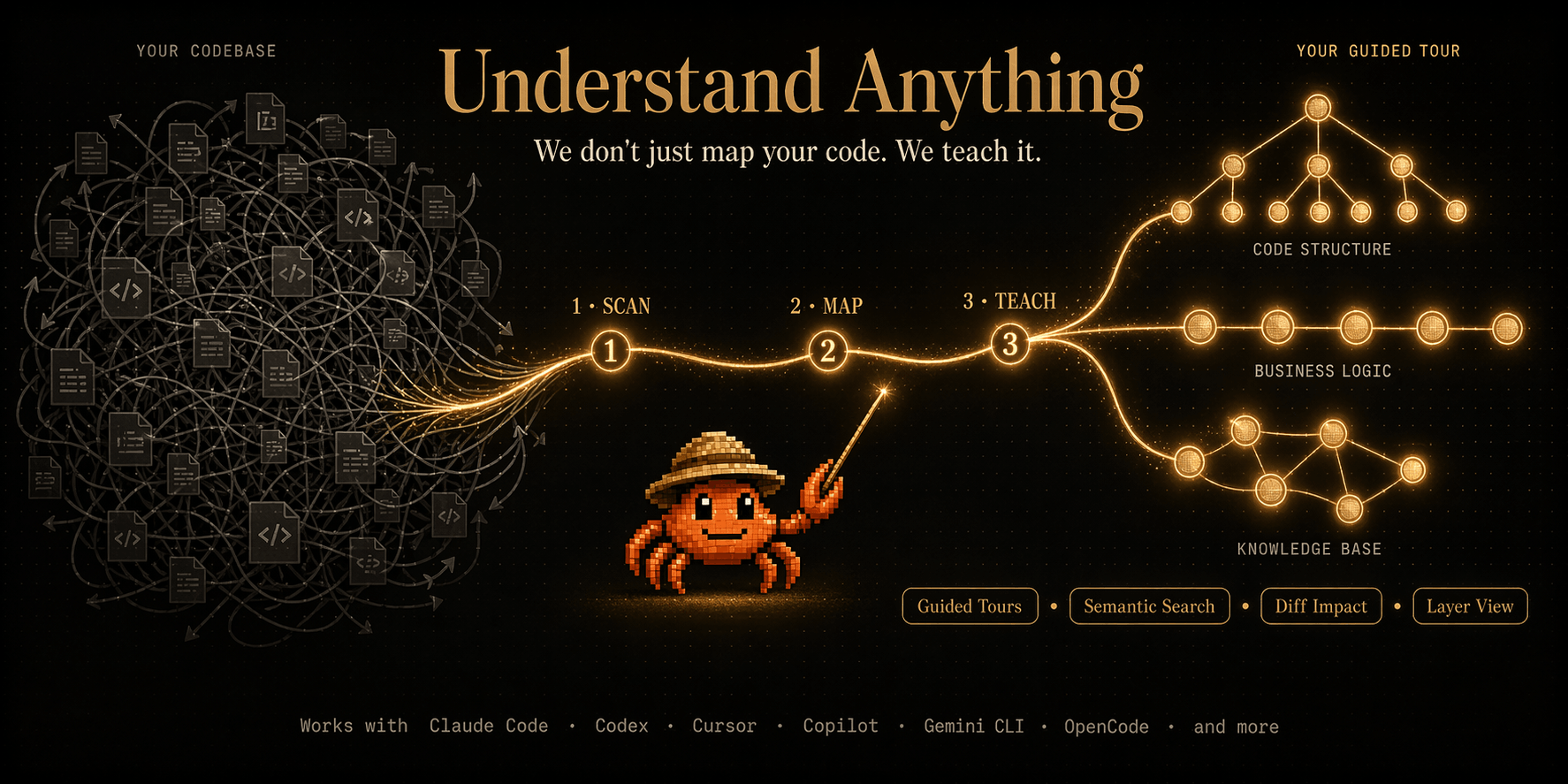
Analyze a Figma file via the Figma REST API and generate an interactive design knowledge graph (pages, screens, components, component sets, instances, design tokens) with a kind:"design" dashboard.
How do I install Understand Figma?
Run "npx skills add Egonex-AI/Understand-Anything --skill understand-figma" in your project. The skills CLI installs it for Claude Code, Cursor, Codex and 70+ other agents. In Claude on the web, upload the skill folder as a ZIP under Customize > Skills.
Does Understand Figma work in Cursor and Codex?
Yes. Understand Figma uses the open SKILL.md format, so it works in Claude Code, Claude, Cursor, OpenAI Codex, Gemini CLI, GitHub Copilot and other agents that support agent skills.
Is Understand Figma free?
Understand Figma is open source on GitHub under the MIT license. It is free to install; check the license before commercial use.
Who made Understand Figma?
Understand Figma is published by Egonex-AI in the Egonex-AI/Understand-Anything repository, together with 8 other skills.